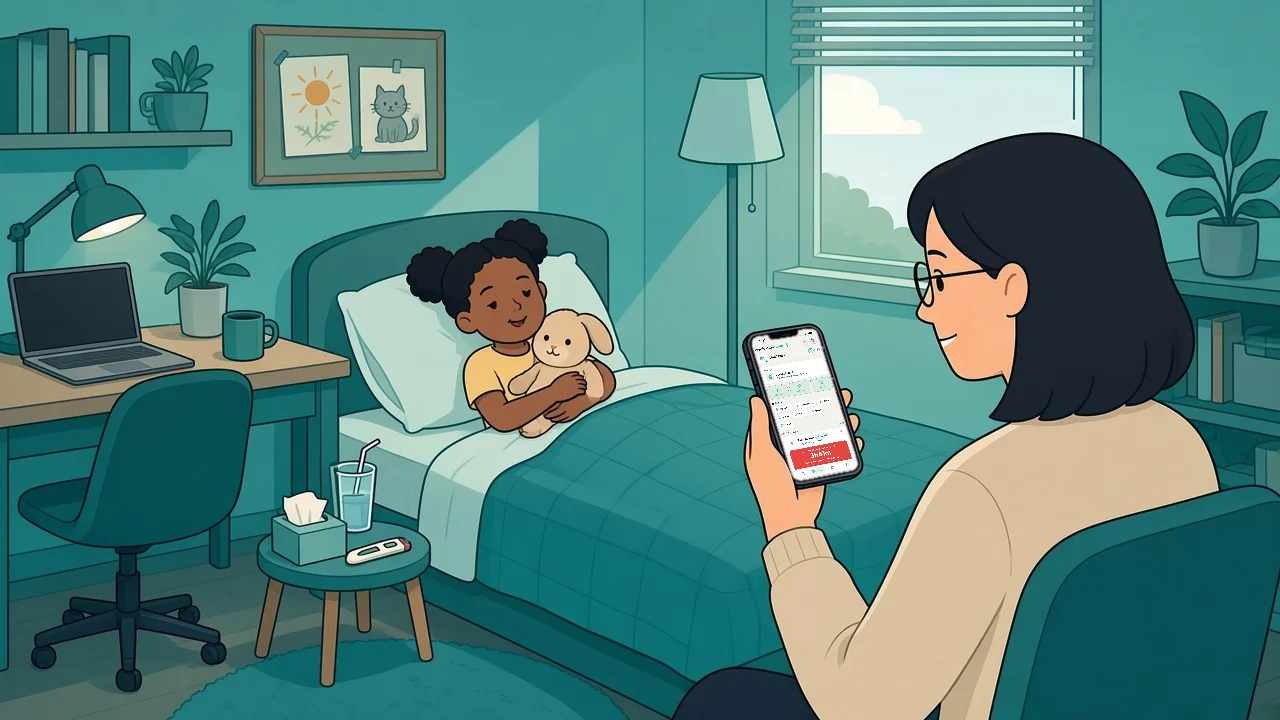
When a child wakes up unwell or a partner needs looking after, the hard part is rarely finding something to write on. It is remembering what happened, when it happened, and whether another caregiver already handled it. Learning how to manage household sick day logs gives your family one clear record when routines are disrupted and attention is in short supply.
A sick day log is not a medical chart. It is a practical household record: a shared timeline of medicines given, temperature readings, symptoms, rest, drinks, phone calls and handovers. The goal is simple: fewer repeated questions, fewer mix-ups, and more confidence that everyone caring for the same person is working from the same information.
Start with one log for one person
When more than one person in the home is sick, it is tempting to keep everything in a single running list. That usually creates confusion fast. A temperature, a dose time or a symptom can easily end up next to the wrong name.
Keep a separate log for each person who is unwell. Give it a clear name, such as "Jordan: home sick Tuesday", and the date it began. If the illness carries on over several days, keep the same record going rather than starting fresh each morning. One continuous timeline makes it easier for everyone to see what has happened and to spot gaps.
This matters most in households with children, older relatives or several caregivers. On paper, names, initials and coloured notebooks help. In an app, a separate record for each family member keeps each person's information in the right place.
In Medication Timer, this is what Care is for (Free). Tap Start care, choose the family member who is unwell and, if you like, add a label such as Flu or Stomach bug so you can find the episode later. Each person can have one active care session at a time, so a sibling's temperature never lands on the wrong timeline.
Choose only the details your household needs
A log should lighten the mental load, not become another job. Start with the details that help a caregiver understand the day at a glance: the time, what was observed or done, and who recorded it.
Entries might include a temperature reading, a medicine given, a new symptom, a nap, a meal or a drink, a call to the GP or pharmacy, or a handover between caregivers. Keep the wording short and factual: "2.15 pm, temperature taken, Sam" or "6.40 pm, resting on the sofa, Dad". You do not need polished sentences. You need a reliable timeline.
If you are recording medicines, write down the name and amount exactly as shown on the label or in the instructions you were given, along with the time it was given. Do not rely on memory, a vague "gave some", or a message buried in a group chat. Household medication logs are most helpful when everyone can quickly see what has already been recorded.
Inside a care session you can tap Log temp and tick symptoms on the same entry (Free). With Family Care you can also turn on Wellness readings, one-tap check-ins for things like Hydration, Eating, Sleep and Mood that sit on the same timeline (Family Care). Turn on only the types you need. They keep the picture in one place; they do not diagnose anything.
Use a consistent entry format
Consistency is what turns scattered scraps into a useful sick day record. Each entry should answer three questions: who was involved, what happened and when. Adding the caregiver's name helps most when care is shared, especially across a busy workday or overnight.
A simple format can look like this:
- Time: when it happened
- Event: what was recorded, noticed or done
- Details: a reading, the medicine name as it appears on the label, or a few words of context
- Caregiver: who made the entry
The format does not need to be complicated. What matters is that it stays the same whether the update comes from a parent, a grandparent, a babysitter or an adult child helping an ageing parent.
A whiteboard on the fridge falls short when people are away from home, and so does keeping the only record on one caregiver's phone. Both can work for one person on a quiet day. They get less reliable when caregivers rotate, a child stays with someone else, or someone needs a quick update while out running errands.
In Medication Timer the format takes care of itself. Doses, temperature readings and wellness check-ins all land on the session's activity timeline with the time they happened, and if you log a temperature a little after the fact, you can adjust the time.
Build medication events into the timeline
Medicine timing is one of the clearest reasons to keep a sick day log. On a disrupted day, doses get mentioned in passing, sent by text or remembered differently by different adults. A single record gives everyone one place to check.
Record each dose when it is given. If one person gets it ready and another person gives it, make that clear. If a dose is skipped or delayed, write down why in plain words rather than leaving a gap that someone else might misread.
For as-needed medicines such as paracetamol, a medication timer adds another layer of clarity. In Care, you log the dose when you give it, and the timer counts down against the minimum interval and daily limit you set from the pharmacy label or your clinician's instructions (Free). Next up at the top of the session shows what needs attention now, such as a temperature check that is due or a timer that is still counting down. The timer does not make decisions for your family. It keeps the routine you already follow visible, so nobody has to do the maths at 2 am.
Make caregiver handovers explicit
The most fragile point in household care is the handover. One adult heads to work, another comes home, and both assume the other has the full picture. That is where a sick day log earns its place.
Before a handover, add a short update covering what has changed since the last entry and what is coming up next. For example: "Alex is resting. Last dose is logged. Temperature check due around 4 pm." That is clearer than a verbal recap that gets lost halfway through a hectic evening.
If you use a shared record, agree on one rule: if it matters for coordinating care, it goes in the log. Do not split key details between texts, scraps of paper and memory. A group chat is still handy for a quick heads-up, but the log holds the lasting record.
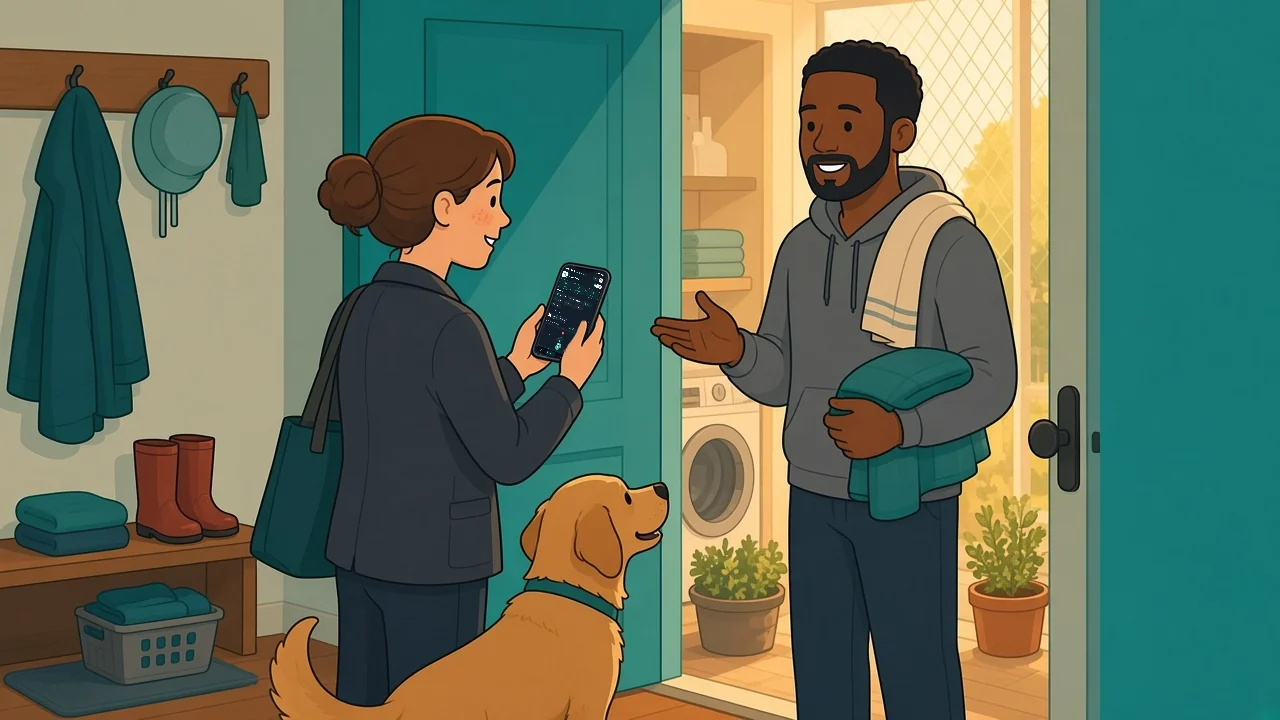
With Family Care sharing, the caregiver coming in can open the same care session on their own phone and see the latest doses, readings and what is due next (Family Care). On shared timers, a quiet line shows who logged the last dose and when, so nobody has to ask "did you already give it?" in the group chat. On iPhone and Android, other caregivers sharing the household also get a Care started notification when someone starts a session. Our guide to sharing caregiver updates has more handover ideas.
Keep temperature readings easy to scan
Readings such as temperature are hard to make sense of when they are scattered across messages or recorded without a time. Record the reading, the time, and any simple context your household uses consistently, such as which thermometer you used or whether the person had just woken up.
The value is not in collecting every possible detail. It is in seeing a clean sequence. A caregiver should be able to open the record and tell whether a reading was taken recently, whether anything has changed, and whether someone else has already recorded it. If you are unsure what a reading means for your family member, ask your GP or pharmacist rather than guessing.
In a Medication Timer care session, temperature readings, symptoms and doses for the same person and the same illness sit together on one session timeline (Free), so last month's readings do not get mixed in. When you start care, you can choose how often to be prompted for the next reading, from every 30 minutes to every 4 hours, and Next up shows when a check is overdue. Our guide to how families track fever readings goes into more detail.
Protect privacy while sharing what matters
Sick day logs often hold personal health details, so convenience should not come at the expense of privacy. Think about who actually helps with care, and keep the circle to those people. Sharing should be a deliberate choice, not something that happens by default.
Paper logs have their own trade-off. They are easy to start but can be misplaced, read by visitors or left out in a shared space. Digital logs are easier to share across homes, so choose a service that treats family health information with care and does not depend on advertising or selling health data.
In Medication Timer, sharing the household is part of Family Care. You invite each caregiver from Sharing & Access in Profile, and everyone signs in with their own account. Both plans have no ads, and your family's health data is never sold.
Also decide what happens when the illness is over. Some families close the record once the household is back to normal, while others keep it for a while as a reference for the next GP visit. In Medication Timer, End care stops tracking for that episode while the doses and readings stay in your account (Free). With Family Care, the episode also shows up in family reports when you need a summary for a co-parent or an appointment (Family Care). Our guide to archiving illness records covers this last step.
Review the log before the day ends
A two-minute look at bedtime can save confusion the next morning. Check that entries have times, doses are recorded, and the next caregiver knows where to look. If something is uncertain, mark it as uncertain rather than guessing.
This small habit helps most when everyone is tired. A complete record does not take the stress out of a sick day, but it gives your household a calmer starting point when the next day begins.
Medication Timer is free to start on iPhone, Android and the web, and Family Care is available on the Family plan, with the price shown in-store for your region.
The best sick day log is the one your family can use when life is messy: clear enough for a hurried caregiver, private enough to trust, and shared enough that nobody has to carry the whole day in their head.
Questions? Browse the help centre or contact support from Profile in the app.