
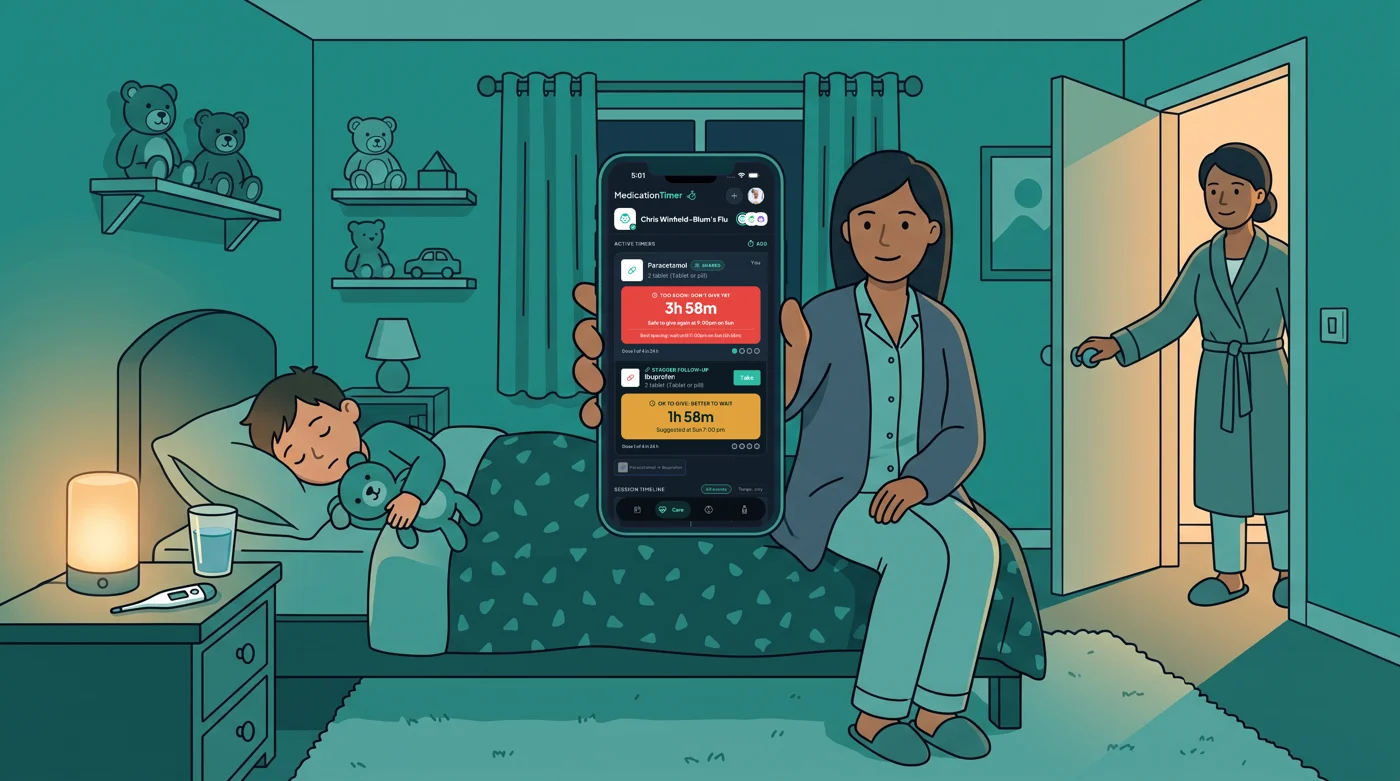
It is 2am. Your youngest is hot and miserable, the bottle of children's paracetamol is on the bathroom shelf, and there is a half-finished note on the fridge in your partner's handwriting. Did they give something at eleven, or was that last night? You do not want to wake them to ask, and you do not want to guess.
Nobody can plan the first fever of winter. You can plan the record. Medication Timer is a household app for iPhone, Android and the web that keeps one shared log of who gave what and when, with a countdown against the interval you set from the label or your pharmacist. It does not tell you what to give or how much.
The timing matters this month. The NHS adult flu programme opened on 1 October, and UK flu typically peaks in December or January. Our Australian readers went through their winter in June, and their flu season guide is a good companion read. This one is for UK households, and the best time to set up is while everyone is still well.
Why the first fever night goes wrong
Most mix-ups at home are not about knowledge. They are about memory and handoffs:
- Two adults, taking turns, each holding half the story.
- Two as-needed medicines that the label or your pharmacist says to space apart.
- A paper chart that one person forgets to update.
- Phone alarms that wake the child, or the wrong adult.
A shared log fixes the handoff problem before it starts. For a deeper look, see how to avoid double dosing in a busy household.
Fifteen minutes this weekend: set up while everyone is well
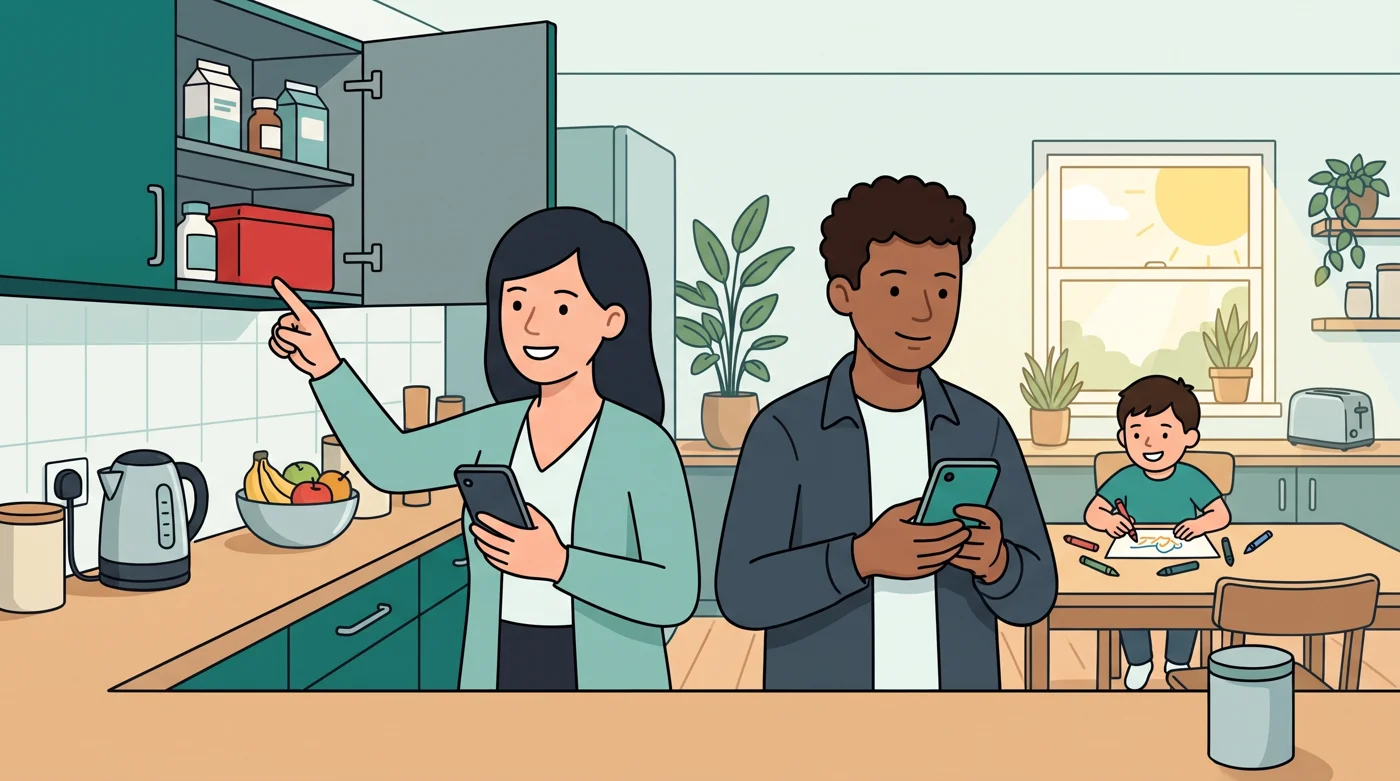
- Add each family member. Open Family and add everyone. The Free plan includes unlimited family members and medications.
- Add the medicines already in your cupboard. Under Medications, add the paracetamol, ibuprofen or anything else you keep in. Set the minimum interval between doses and the maximum doses in 24 hours to match the pack label for that person, or what your pharmacist or GP told you. The app remembers the numbers you enter; it does not choose them.
- Check your temperature unit in Profile so readings are entered the way your thermometer shows them.
- Put it on both adults' phones and allow notifications. A home screen widget (Next Up or Active Timers) or a lock screen timer means a quick glance answers "can we give the next dose yet?" without opening the app. See lock screen and widget timers.
- Decide whether you need sharing. If two adults will share nights, Family Care lets each of you sign in with your own account and work from the same family data. Pricing is shown in the app store for your region.
When the first fever arrives: start a Care session
Open Care, tap Start care, choose the family member and add a label such as Flu so you can find the episode later. Leave Temperature & symptoms on and pick how often you want to be prompted for the next reading.
When you give a dose, log it. The timer counts down against the interval you set for that medicine and shows how many doses have been logged in the rolling 24 hours against the maximum you entered. If it is still too soon by your own settings, the app says so clearly.
What the Care screen shows
On the Care screen you will see:
- Active timers for the person in care, each with its countdown and the clock time your interval allows the next dose.
- A Shared badge on timers, which appears only when your household shares care on Family Care.
- A stagger follow-up if you already alternate two medicines on a plan from the label or your pharmacist. It is a pending suggestion, not a dose taken in advance, and the app does not decide which medicines go together.
- The session timeline below, with doses, temperatures and symptoms for this illness only.
Next up sits at the top of the session and points to the most urgent thing: a temperature check that is due, or a medicine that is ready again. Our Care feature page and the step-by-step household flu walkthrough go further.
Two adults, one record
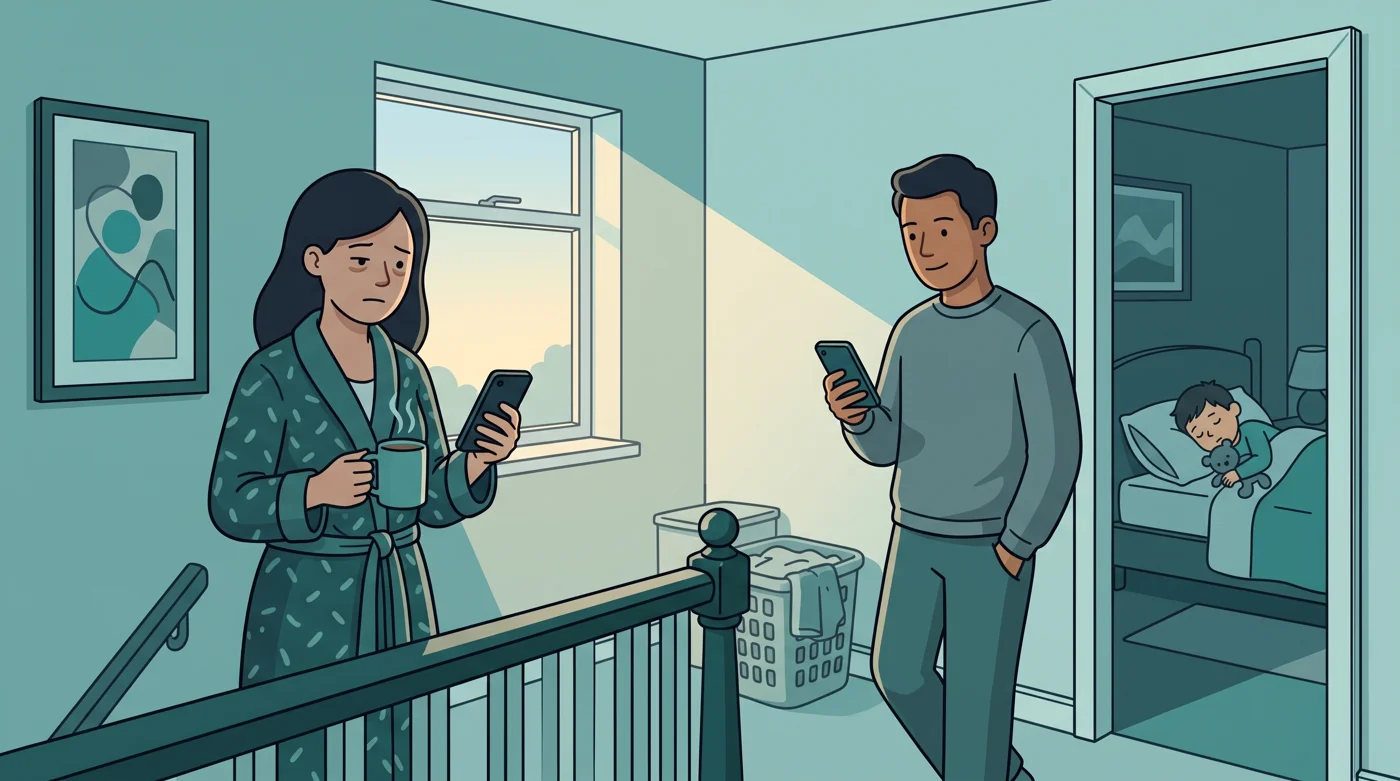
This is where Family Care earns its place. Both adults see the same Care session, the same Next up card and the same dose history. Shared timers show who logged the last dose, for example your partner's name and the time, or You. On mobile, other caregivers get a Care started notification (best-effort if the phone is asleep), and shared dose and reading reminders clear on the other phones (best-effort) when someone logs them.
A simple handoff habit helps: before you go to bed, the other adult opens Care instead of asking. Our guide on whether two parents can track medications together covers roles and routines.
On Free, a single caregiver still gets a lot for a short illness: unlimited Care sessions, as-needed timers, and temperature and symptom logging, with Today showing the last three days in full detail. Sharing between caregivers is a Family Care feature.
If the GP prescribes something
If a short course is prescribed, Family Care lets you add it inside the Care session, choose the cadence that matches the pharmacy label, and run reminders from the start day to the end day. It stays separate from long-term routines. See how to manage antibiotic schedules at home.
Use Add note in the session to record what the GP or pharmacist said, in their words. Notes sit on the same timeline as doses and readings.
Keep a record you can share
If you speak to your GP or pharmacist, the session timeline gives you times instead of "I think it was Tuesday". With Family Care, a family report for that person and date range can bring together temperatures, symptoms, as-needed doses and care notes, and on the web you can print it or save it as a PDF. See medical summary and reports. For what to write down, our guide on how to log fever symptoms helps.
When it is over, end care
When they are back on their feet, tap End care. The doses, temperatures and notes stay in your account as an ended summary you can review, and the next fever starts with a clean timeline instead of last month's readings.
Medication Timer is free to start on iPhone, Android and the web.
Questions? Browse the help centre or contact support from Profile in the app.






