
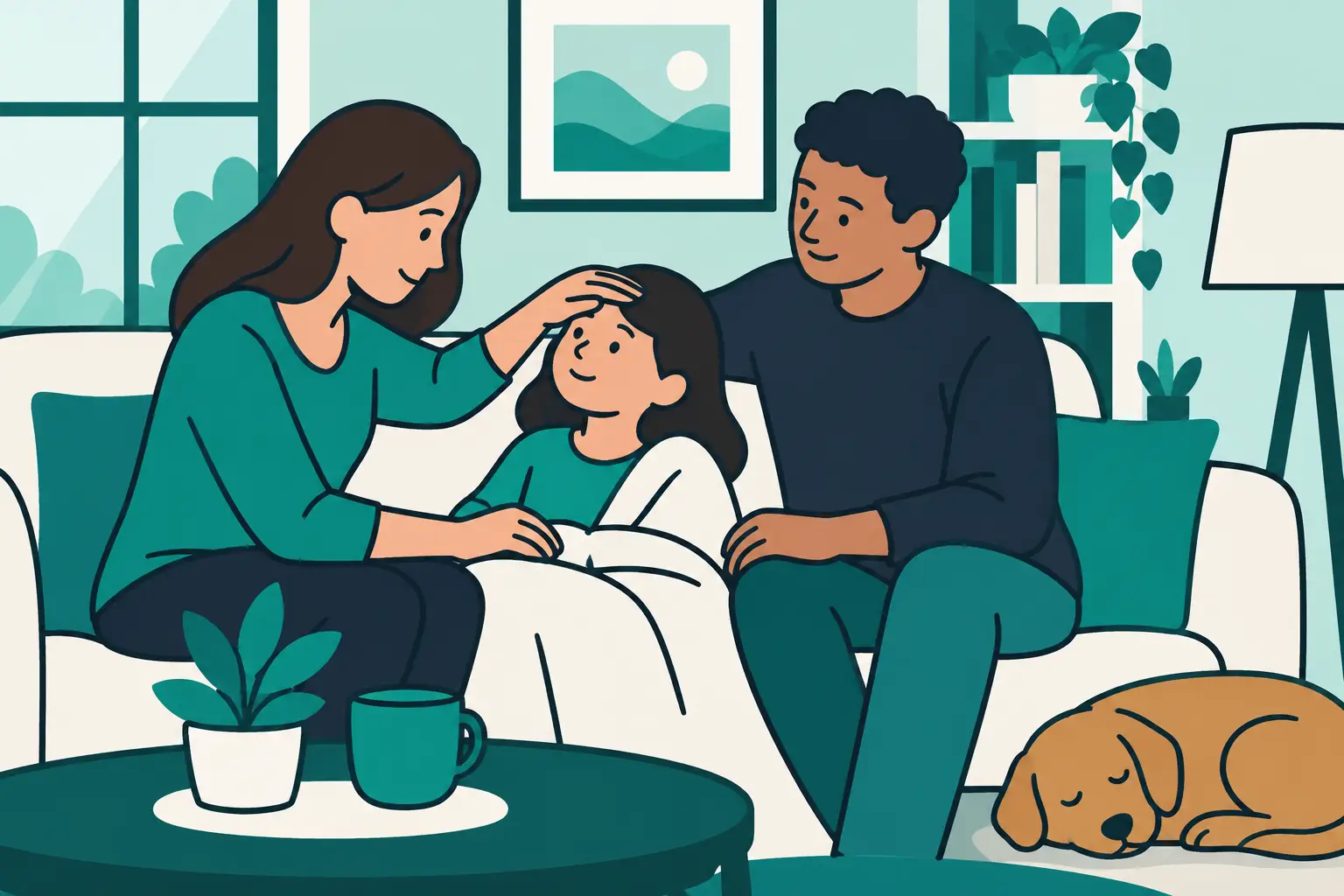
A fever at midnight, a refill reminder during the school rush, a note from a grandparent’s appointment, and two caregivers trying to remember what happened last. Family health information rarely arrives in one neat moment. It builds across routines, sick days, handoffs, and long nights. Private health tools give households one trusted place to keep that information organized without turning everyday care into a confusing pile of texts, paper notes, and separate apps.
For families, privacy is not a bonus feature. Health details are personal, and the people who need access are usually a small, specific group: parents, guardians, adult children, partners, or a trusted caregiver. The best tools balance two needs that can seem opposed at first: easy sharing when care is happening, and strong boundaries around who can see household information.
Why private health tools matter at home
Most health apps are built around one person. That may work for an individual tracking a personal routine, but household care is different. One parent may handle the morning schedule, another may be home after school, and a grandparent may help on weekends. During an illness, the person who notices a new symptom may not be the person who last logged a temperature or managed an as-needed medication timer.
Without a shared system, families often rely on memory. They search message threads, leave notes on the counter, or ask, “Did anyone already handle this?” Those methods can work until life gets busy. Then they create uncertainty at the exact moment a caregiver needs a clear answer.
A private, family-centered tool turns scattered updates into a simple record. It can show what was logged, when it was logged, and which family member it belongs to. That clarity reduces repeat questions and helps caregivers stay coordinated without passing around sensitive information more widely than necessary.
These tools are for organization, not medical decision-making. They do not replace professional guidance, instructions from a care team, or urgent support when it is needed. Their value is practical: helping a household keep its own information accurate, visible to approved caregivers, and easier to act on.
What family privacy should look like
Privacy language can be vague. A tool may say it is secure, but families deserve to know what that means in everyday use. The most useful private health tools make ownership and access easy to understand.
First, family information should not be treated like advertising inventory. A health organizer should support the household using it, not turn personal routines, symptoms, or medication records into a source of targeted marketing. Families should be able to use a care tool without wondering who else benefits from their most sensitive moments.
Second, sharing should be intentional. The right people need access, but not every contact needs every detail. Look for tools designed for active caregiver sharing, where a household can keep everyone working from the same record instead of forwarding screenshots or retelling updates. The goal is shared care with clear boundaries.
Third, privacy should not make a tool hard to use. If adding a caregiver takes too many steps, families may return to less secure workarounds. If records are hidden behind cluttered menus, the tool adds stress instead of reducing it. Good privacy is calm and usable. It protects information while still letting caregivers find what they need quickly.
Privacy is also about fewer loose ends
A centralized record can be more private than a patchwork of informal systems. A paper log can be left on a kitchen counter. A group text can include someone who no longer needs updates. A photo of a handwritten schedule can remain in a phone library long after the moment has passed.
Keeping household care details in one purpose-built place gives families a more deliberate alternative. It also creates a clearer routine: log the update, check the shared record, and move on with the day.
The features that reduce caregiver confusion
Not every family needs the same setup. A household with a toddler, a teenager, and an aging relative will organize care differently from a couple managing their own routines. Still, a few capabilities consistently make private health tools more useful when multiple people are involved.
Separate profiles for every family member
Caregivers should never have to guess whose information they are viewing. Individual profiles keep medication schedules, health readings, symptom notes, and illness tracking connected to the correct person. This becomes especially valuable when several family members are sick at once or when routines overlap.
A family tool should make it easy to move from one profile to another without mixing records. The result is less mental sorting for the caregiver and a cleaner history for the household.
Medication schedules and safety timers
Recurring schedules help turn a routine into a visible plan rather than a task someone must remember alone. For medications taken as needed, a safety timer can document when an item was logged and show when the next timing window may be available according to the family’s existing instructions.
The distinction matters. A good tool records and organizes. It should not guess, prescribe, or tell a family what to give or when to give it. For caregivers, the practical benefit is knowing that the household has a shared, time-stamped record instead of relying on assumptions.
Illness sessions that keep the story together
When illness strikes, information arrives quickly. A temperature reading, a symptom note, a change in energy, a call with a care provider, and a medication log may all happen within a few hours. If those details are scattered, it is difficult to see the full sequence.
Illness-specific tracking sessions can keep related updates together. Rather than filling a general notes app with disconnected entries, caregivers can create a focused record for one episode and add observations as they happen. That record can support calmer handoffs between caregivers and make it easier to accurately describe what the household has observed when speaking with a professional.
Shared visibility without constant check-ins
The strongest family systems reduce the need for repetitive messages. A caregiver should not have to interrupt a workday to ask whether a routine was completed if the answer is already recorded in the shared tool.
This is not about removing communication. It is about making communication more useful. Instead of asking for basic status updates, caregivers can focus on what actually needs discussion. That saves time, lowers friction, and helps prevent a missed update from becoming a source of stress.
How to choose private health tools for your household
Start with the moments that currently create confusion. Perhaps it is the morning rush, rotating caregivers, an illness that requires frequent observations, or the challenge of keeping information straight for more than one person. The best tool is not the one with the longest feature list. It is the one your household can use consistently when life is busy.
Consider whether it supports all the people in your care. A household organizer should not force a family to choose which child, parent, or partner gets a profile. Unlimited family member support can be especially helpful for multigenerational homes and families whose care needs change over time.
Then consider the handoff. Can another approved caregiver see the same up-to-date information? Can they tell what was logged and when? Can the system support recurring routines as well as short-term illness tracking? Those questions reveal whether a tool is designed for real family coordination or simply individual recordkeeping.
Finally, read the privacy promise with a practical eye. Does the company clearly state how it treats health information? Is the experience free of ads? Does it avoid selling household health data? Families do not need a legal degree to ask these questions. They need a service that earns trust through clear practices and a product built around care, not attention.
Build a simple shared-care habit
A new tool only helps when it becomes part of the household rhythm. Keep the setup small at first. Add family profiles, enter the routines that matter most, and invite only the caregivers who truly need shared access. During the first week, make logging part of an existing habit, such as the morning routine or bedtime check-in.
It also helps to agree on a few household rules. Log an update as soon as it is completed when possible. Check the shared record before sending a status text. Use notes for observations, not guesses. If something feels urgent or unclear, move beyond the app and seek appropriate professional support.
Medication Timer is designed around this kind of shared household workflow: every dose, every family member, one trusted place. By bringing schedules, safety timers, health readings, illness tracking, and caregiver coordination together, it helps families replace fragmented information with a clearer routine.
The right private health tool does not ask families to become experts in health administration. It simply gives them a dependable place to put the details they are already managing. When care is shared, information is protected, and routines are visible, a household can spend less time searching for answers and more time being present for one another.






