
A missed handoff can create more stress than the care task itself. One caregiver assumes a medication was logged, another is waiting for an update, and a family member’s routine becomes harder to follow than it needs to be. This caregiver sharing setup guide helps your household create one clear system for the people who share care.
Shared access is not about giving everyone the same job. It is about making sure the right people can see the right information, record what they handle, and stay aligned without relying on memory, scattered texts, or notes on the kitchen bench. When illness strikes or a routine changes, that clarity can protect your family’s time and peace of mind.
Why caregiver sharing matters at home
Most households do not have one person handling every responsibility, every day. A parent may manage the morning routine, a partner may take over after work, and a grandparent, babysitter, or adult child may help at other times. Without a shared place to check schedules, timers, logs, and health readings, each transition can become a question: What has already been done? What still needs attention?
A thoughtful sharing setup gives caregivers a common view of household care. It reduces duplicate work, makes handoffs easier, and creates a clearer record when someone needs to look back at the day. It also lets the primary organiser step away briefly without feeling that every detail lives only in their head.
The goal is not constant monitoring of one another. The goal is dependable coordination. Every caregiver should understand what they are responsible for, where to find the household information they need, and how to record an update when their part is complete.
Set the foundation before sending invitations
Before adding another caregiver, take a few minutes to organise the household space they will enter. A clean setup makes sharing more useful from the first day.
Start with the people who need care
Create a separate profile for each family member whose routines, medications, or readings your household tracks. Use names that every caregiver will recognise right away. This matters in busy homes, especially when siblings have similar routines or more than one person is managing an illness at the same time.
Review the items already in each profile. Confirm that recurring routines are easy to identify and that any as-needed medication timers are labelled clearly enough for another trusted caregiver to understand what they are viewing. The purpose is simple: a caregiver should not have to guess which family member or routine they are opening.
Decide who needs access
Invite people based on their real role in care, not simply because they are family. A co-parent who shares daily responsibilities may need regular access. A grandparent who provides after-school care may only need access to the grandchildren they collect. A trusted adult child supporting an older relative may need visibility into the household record, even when they are not physically present.
It depends on your family’s routine. Some households need two active caregivers. Others need a wider circle during travel, school breaks, illness, or a temporary change in schedule. Start with the people who regularly handle care tasks, then adjust as your needs change.
Agree on a simple shared-care routine
Technology works best when everyone follows the same basic process. Decide together when caregivers should check the shared record, when they should log an action, and how they should communicate an unusual change in plans.
For example, your household may agree that the person completing a task records it right away, rather than waiting until the end of the day. You may also decide that text messages are for urgent coordination while the app remains the trusted record of what was completed. These small agreements prevent confusion without adding unnecessary rules.
Caregiver sharing setup guide: build clear access
Once the household information is organised, add caregivers from Sharing & Access under Profile in Medication Timer. Each person accepts the invite and signs in with their own login, so nobody shares a password. You choose which family members and medications each caregiver can see, and you can revoke access at any time. Sharing is part of Family Care, and the price is shown in-store for your region. Individual access supports clearer accountability and gives everyone a consistent way to view the household information.
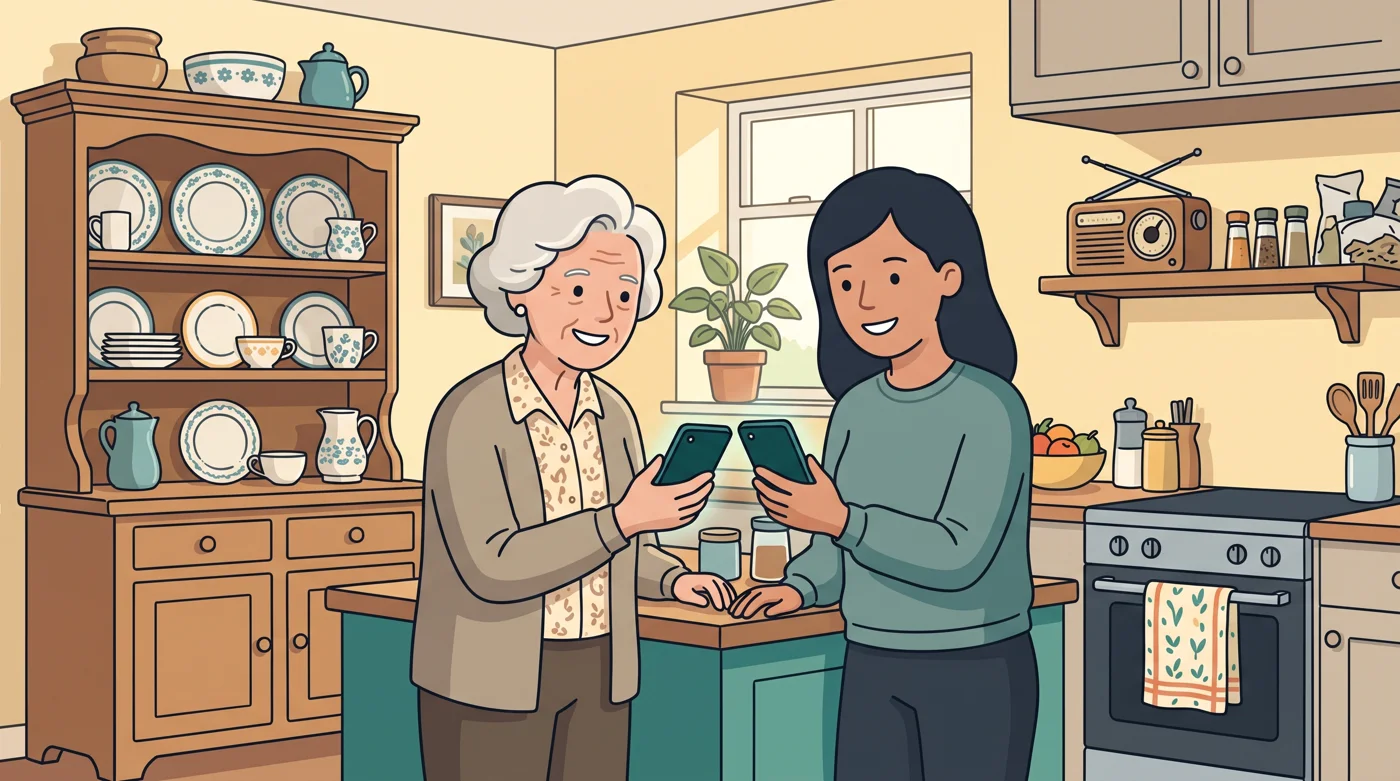
When an invitation is accepted (on a phone you can scan the invite QR from the other person's screen), walk through the shared space together if possible. A five-minute orientation can save many follow-up messages later. Show the caregiver where to find each family member, how to recognise active routines, how to view timers, and where to log readings or notes that your family has chosen to track.
Medication Timer is designed for this kind of active household coordination, bringing family member profiles, routines, timers, illness tracking, and caregiver sharing into one privacy-conscious place. The value is not just seeing more information. It is helping trusted people act from the same record.
Make responsibility visible
Shared access does not automatically create shared understanding. Be specific about who usually handles what. One caregiver may manage morning routines, while another checks in after school or handles evening tasks. If someone is only available on certain days, make that clear as well.
Avoid vague arrangements such as “whoever sees it first.” They can work for occasional tasks, but they often create uncertainty in a busy household. A dependable default owner for each part of the day gives everyone a starting point. If that person cannot handle it, the shared record makes it easier for someone else to step in.

Use timestamps as your handoff language
A completed log or recorded reading can answer questions that would otherwise require a call or text. Encourage caregivers to record updates as they happen. That gives the next person a timely view of the day and helps reduce the risk of duplicate entries.
Timestamps are especially helpful during overnight care, school-day transitions, and short handoffs between adults. They provide context without requiring anyone to reconstruct the day from memory. If your family uses notes, keep them brief and factual so the next caregiver can quickly understand what changed.
Keep communication separate from the record
Families often rely on group chats because they are fast. They can be useful for coordination, but they are not always reliable as a long-term record. Messages get buried, phones are silenced, and a caregiver who joins later may not see the context.
Use direct communication for immediate questions or changes in plans. Then make sure the shared household record reflects any completed actions or readings that caregivers need to see. This two-part approach keeps communication human and responsive while preserving one trusted place for the information your family depends on.
It is also wise to set expectations for notifications. Some caregivers want alerts for every update; others only need to check the record during their scheduled care time. Too many notifications can cause people to tune them out. Too few can leave a caregiver unaware of a change. Choose a level that fits your household rather than copying someone else’s system.
Protect privacy while making care easier
Caregiver sharing should feel supportive, not intrusive. Only invite people who have a genuine role in the care of that family member, and revisit access when circumstances change. A temporary helper may not need permanent visibility. A caregiver who no longer participates in the routine should be removed promptly.
Talk with your household about what information belongs in the shared space. Keep the focus on the details caregivers need to coordinate day-to-day responsibilities. Respectful boundaries are part of safe family care, particularly when supporting teens, adult relatives, or family members who value greater independence.
A privacy-forward system also means choosing tools that do not treat your household health information as advertising material. Families should be able to organise care without wondering whether sensitive details are being used for unrelated purposes.
Review the setup after real life tests it
The first week of shared access will reveal what works. Maybe one caregiver cannot tell which routine is current. Maybe a handoff time needs to move. Maybe a grandparent needs a simpler orientation, or a co-parent needs more visibility during work travel.
Review the setup after a busy week, a schedule change, or an illness-tracking period. Ask a few practical questions: Did everyone know where to look? Were updates recorded promptly? Did anyone receive too many or too few notifications? Then make one or two small changes rather than rebuilding the entire system.
The strongest shared-care setup is not the most complicated one. It is the one your family will actually use when mornings are rushed, plans shift, and someone needs a clear answer. Give trusted caregivers a shared record, clear responsibilities, and room to support one another. That is how everyday family care becomes easier to carry together.
Questions? Browse the help centre or contact support from Profile in the app.







