
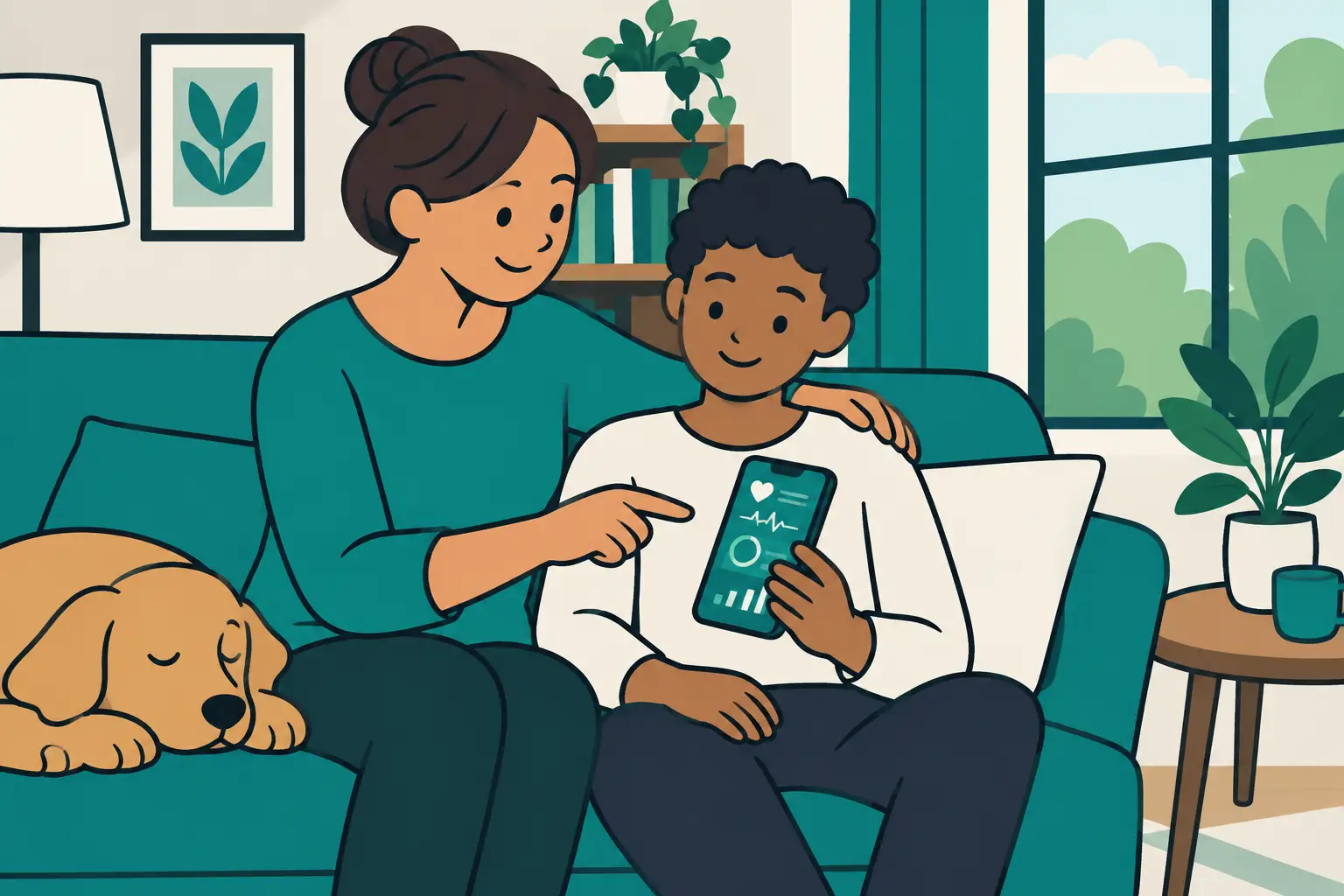
A fever starts overnight, two caregivers are texting from different rooms, and someone needs to confirm when a medication was last logged. That is not a moment for pop-ups, sponsored wellness offers, or uncertainty about who may see your family’s information. An ad free health tracking app keeps attention where it belongs: on clear records, shared routines, and the people in your care.
For families, health tracking is rarely about collecting data for its own sake. It is about reducing the mental load of everyday care. A useful app should help you remember recurring tasks, record what happened when illness disrupts the household, and give approved caregivers the same dependable view of the plan. Choosing an ad-free option is one practical way to protect that purpose.
Why an ad free health tracking app matters at home
Advertising can make a free app feel less expensive, but it is not always neutral. Ads compete for attention, especially on a screen you may open while tired, worried, or trying to coordinate care quickly. They can also raise understandable questions about how personal activity is used to support advertising systems.
Health information feels different because it is different. A medication schedule, a temperature reading, or a note about a difficult night belongs to your family. Even when an app is not offering medical guidance, it may hold a detailed picture of household routines and health events. Families deserve to understand the privacy approach behind the tools they use.
An ad-free model does not automatically make every app private or secure. It is still worth reading the privacy policy, reviewing sharing controls, and checking what information the company collects. But the absence of advertising removes one major source of distraction and creates a clearer expectation: the app is there to support care coordination, not to turn moments of family care into marketing opportunities.
Look beyond “no ads” before you choose
“No ads” is a good starting point, not a complete checklist. The best fit depends on whether you are tracking one person’s routine or coordinating care across an entire household. An individual wellness tracker may be perfectly adequate for a personal habit. A family managing children, a partner, and an aging relative usually needs stronger organization.
Start with the day-to-day question: can the app show each family member separately without making you create workarounds? Separate profiles help prevent records from blending together. They also make it easier to see which reminders, readings, and notes belong to whom when several people are sick at once.
Then look at how it handles timing. Families often need both recurring reminders and a clear record of completed tasks. For medications used as needed, safety timers can add another layer of clarity by showing when a previous dose was logged. The goal is not to replace professional guidance or make healthcare decisions inside an app. It is to maintain a reliable household record and reduce avoidable confusion between caregivers.
Sharing matters just as much. If one parent handles the morning routine and another takes over at night, a private note on one phone is not enough. Look for controlled caregiver sharing that lets the right people see current information without requiring everyone to rely on memory, screenshots, or a long message thread.
A family-ready tracker should make these four jobs straightforward:
- Keep each family member’s schedules and records distinct.
- Record routine activities and health readings in one place.
- Show caregivers what has already been logged.
- Support secure, intentional sharing rather than public or social features.
The details matter. A tool can have a polished interface and still create more work if its reminders are hard to customize, its records are difficult to review, or its family sharing is an afterthought.
Privacy questions worth asking
Before entering household information, take a few minutes to understand the app’s rules. This is not about becoming a privacy expert. It is about making sure the service’s practices match the trust you are placing in it.
First, ask whether the company sells health data or uses it for advertising. Clear language is better than vague promises. Next, check whether you can control who has access to each profile and remove access when a caregiving arrangement changes. This is particularly helpful for households that share care with grandparents, co-parents, or other trusted supporters.
Also consider account protection. Does the app encourage strong sign-in practices? Does it explain where data is stored and what happens if you change phones? A helpful family tool should make ordinary tasks, such as recovering access or updating a caregiver, feel manageable without exposing information unnecessarily.
Privacy is not only a policy issue. It is also a design issue. When an app places family health details next to ads, social feeds, or unrelated content, it can feel like it was built for engagement rather than care. A focused design makes it easier to find the information you need and easier to put the phone down when you are done.
Build one record caregivers can trust
The value of a health tracking app becomes clearest during handoffs. One caregiver leaves for work. Another arrives after school pickup. Someone is checking on a relative from another home. Each person needs the same answer to a simple question: what has been completed, recorded, or changed?
A centralized system creates a shared source of truth. Instead of searching text messages for a time stamp or wondering whether a paper note was updated, caregivers can review the current log. That can make routine mornings calmer and illness periods less chaotic.
For an illness tracking session, it helps to keep relevant observations together. You might log readings, symptoms, notes, and timing in a structured record for the appropriate family member. The point is organization, not interpretation. When you need to communicate with a healthcare professional, a clear record can help you accurately describe what your family has tracked.
Medication Timer is designed around this family reality: multiple people, recurring routines, illness-specific tracking, and active caregiver coordination in one trusted place. Its privacy-forward approach keeps the focus on household care rather than advertising.
Free versus paid: choose based on the work you need done
An ad-free app may offer a free tier, a paid subscription, or both. Neither model is automatically better. The practical question is whether the available features support your household without adding friction.
A free plan can be a good way to test the basics. Can you create profiles easily? Are reminders dependable? Is the record understandable at a glance? Does the app fit naturally into the way your household already handles routines?
A premium plan may be worthwhile when care becomes more complex. Expanded family profiles, additional sharing options, more detailed tracking, and flexible routines can be useful for households coordinating across several caregivers or managing multiple schedules. Pay attention to what is actually included, whether the price is clear, and whether you can adjust or cancel the plan without difficulty.
Do not choose a subscription simply because it has the longest feature list. Choose the tool that helps your family consistently keep records current. An app used every day with confidence is more valuable than one packed with options that no one can find under pressure.
Make the app part of the household routine
Even a well-designed tracker needs a simple process around it. Set up profiles and caregiver access before a stressful week, not in the middle of one. Agree on who logs completed tasks and encourage everyone to check the app before asking whether something was done.
Keep entries short and timely. A quick record made at the moment is usually more useful than a detailed reconstruction hours later. For recurring routines, review reminders occasionally as school schedules, work hours, and household needs change.
Most of all, treat the app as a support for communication, not a replacement for it. A shared record reduces guesswork, while a quick conversation can address context that no notification can capture. Together, they create a steadier system for the people doing the caring.
The right ad-free health tracking app should give your family fewer distractions, clearer handoffs, and a private place to stay organized. When care feels busy, that kind of calm structure is more than convenient. It helps everyone move through the day with greater confidence.






