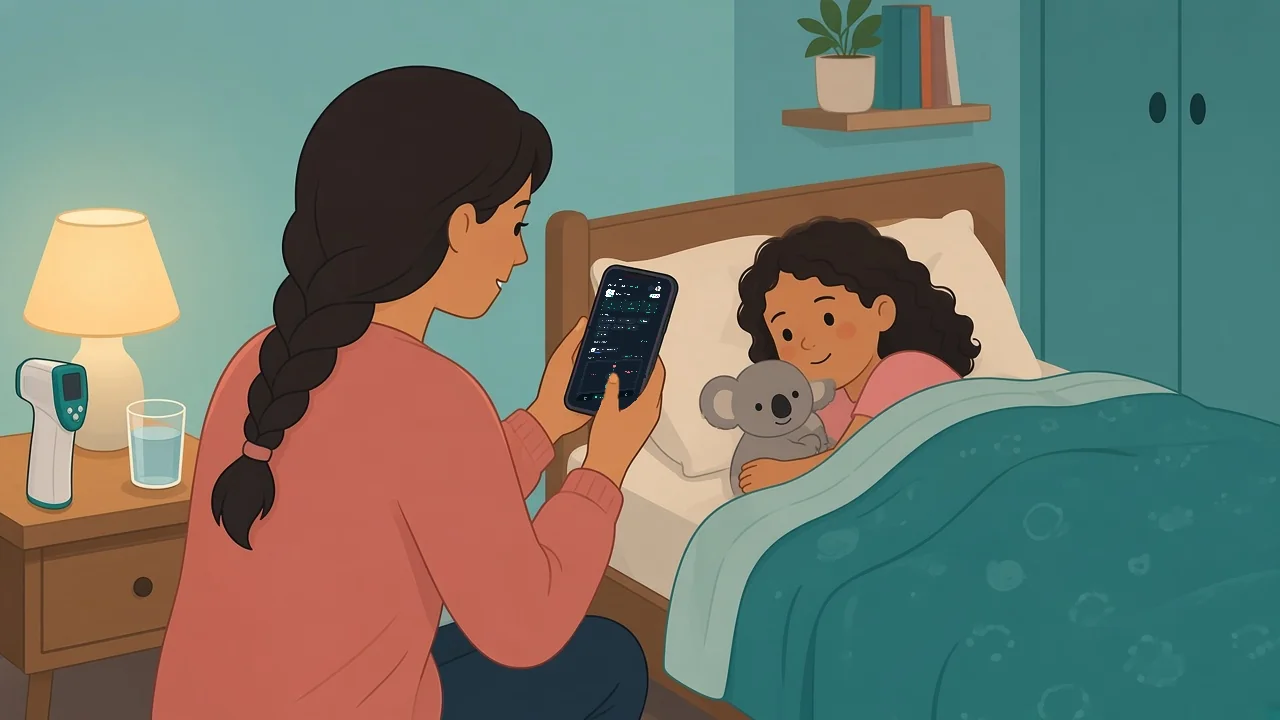
A child wakes during the night feeling unwell. A parent notices a change before leaving for work. An older relative has a difficult afternoon while another caregiver is on duty. In moments like these, the question "when should symptoms be logged" is less about creating perfect records and more about making sure your family is not relying on memory alone.
A clear log gives caregivers one trusted place to capture what happened, when it happened, and what changed. It can reduce repeated questions, prevent details from getting lost during handovers, and make a stressful day feel more organised. The goal is not to turn home care into a clinical chart. It is to create a simple, reliable timeline your household can understand.
When should symptoms be logged?
The most useful answer is: log symptoms when there is a meaningful change, at planned check-in times, or when a caregiver needs to share an update. Waiting until the end of the day can blur the details that matter most, especially when more than one person is helping.
You do not need to document every small moment. A helpful symptom log captures a pattern without becoming another demanding task. For many families, that means starting a record when an illness or concern begins, then adding short updates as the day unfolds.
Start a log when a new concern begins
The first entry creates the timeline. Record the date and time, the family member's name, and a plain-language description of what you noticed. If you are also tracking a temperature or another health reading, add the number and the time it was taken.
Simple wording works best. "Low energy after school," "reported a sore throat at breakfast," or "temperature checked before bedtime" is easier for another caregiver to understand than a long paragraph written in a rush. The purpose is to preserve the observation, not interpret it.
Log changes, not just repeated details
Symptoms should also be logged when something changes from the last entry. That might be a new complaint, a shift in energy or comfort, a changed reading, or a change in the ability to follow the usual household routine.
This approach keeps the record useful. Repeating the same detail every hour may add noise, while recording a noticeable change helps caregivers see what happened over time. If nothing meaningful has changed, a brief scheduled check-in can be enough.
Use planned check-ins to avoid memory gaps
A planned rhythm is especially helpful during a busy illness day. Some families prefer to log at natural transition points, such as morning, after school, dinner, and bedtime. Others log when caregivers switch responsibilities.
The best schedule depends on your household. A family with a single caregiver at home may need fewer updates than a family coordinating between parents, grandparents, sitters, or adult siblings. Choose a pattern that is realistic enough to maintain when everyone is tired.
What to include in a family symptom log
A useful entry should answer a few practical questions quickly: who observed the change, when it happened, what was observed, and whether a reading was recorded. It should also make room for context that another caregiver may not know.
When several people are involved, consistency matters more than detail. Agree on a few fields everyone will use so each update is easy to scan. For example:
- Date and time of the observation or reading
- The family member being tracked
- A short description of the symptom or change
- Any relevant health reading, such as a temperature
- The name or initials of the caregiver adding the entry
Context can make a short entry much more useful. "Resting on the couch after lunch" gives a different picture than "playing outside after lunch," even if both mention the same symptom. Keep these details factual and brief.
Keep medication records and symptom entries connected, but distinct
During an illness, households often need to track both symptoms and medication timing. These are related records, but they serve different purposes. A symptom entry documents what was observed. A medication log documents what was given, by whom, and when.
Keeping them distinct helps prevent confusion during a handover. Another caregiver should not have to search through symptom entries to confirm a medication time, and a medication entry should not be used to guess why a symptom changed. A shared household record makes it easier to view both timelines without mixing the details.
In Medication Timer, that focused space for an illness is Care. Start a care session for the family member who is unwell, and the as-needed timers, temperature readings and symptom checklist for that illness sit together on one Activity timeline (Free + more with Family Care). Care, as-needed timers and temperature logging work without a subscription. Family Care adds optional wellness check-ins such as hydration and sleep, plus family reports you can print or save as a PDF from the web if you want a copy for an appointment.
When logging becomes most valuable
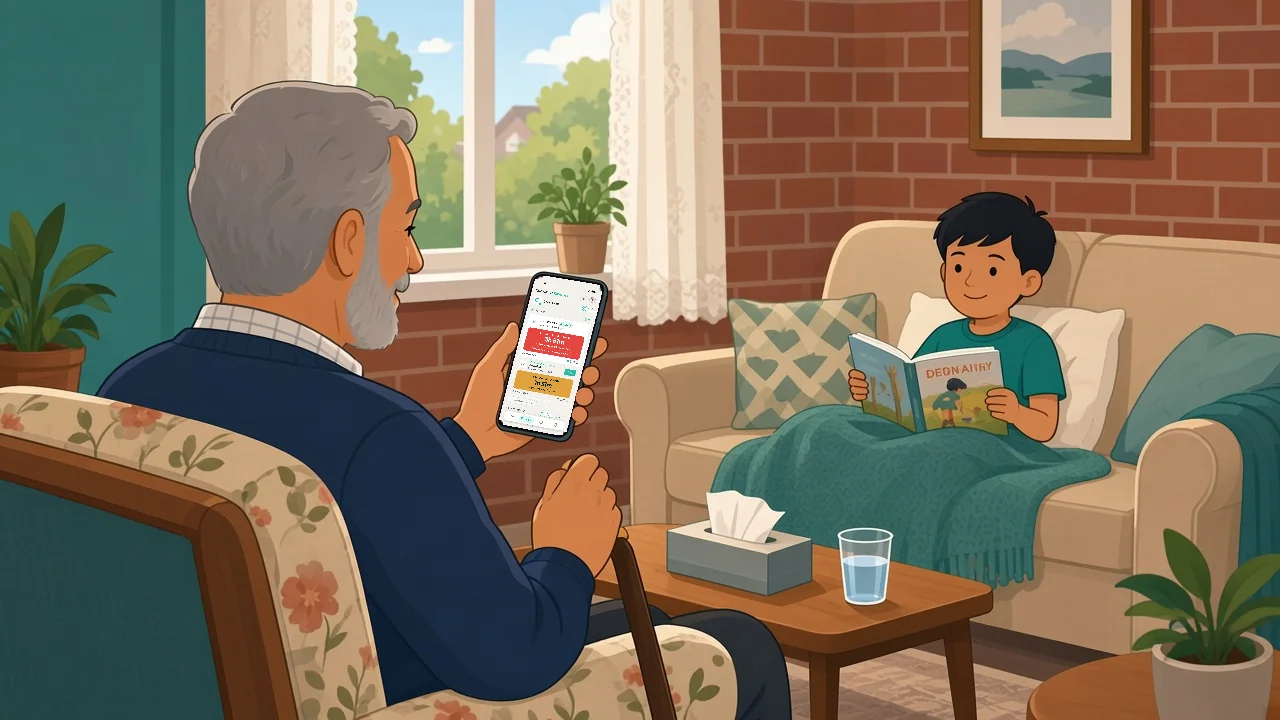
Symptom tracking is often most helpful at the moments when communication breaks down. One parent heads to work while another takes over. A grandparent arrives to help. A child moves between homes. An adult relative is supported by several family members with different schedules.
In those situations, a shared timeline answers common questions without requiring a long recap: What was the last update? When was the temperature checked? Has anything changed since this morning? Who is watching for the next check-in?
In Medication Timer, household sharing is part of Family Care. You invite each caregiver from Sharing & Access in Profile, everyone signs in with their own account, and you can revoke access from the same screen if arrangements change. On shared timers, a quiet line shows who logged the last dose and when, so the parent coming home can check the record instead of asking for a full recap.
A log can also help you preserve information for conversations with an established care team, should your family choose to have one. It is a memory and communication tool your household can keep close at hand.
Avoid turning the log into a burden
The trade-off with any tracking system is simple: more detail can be useful, but too much detail can make people stop using it. The best symptom log is the one your household can maintain calmly and consistently.
If entries are becoming long, reduce them to a repeatable format. Start with the time, add the observation, include a reading if you took one, and record any context a new caregiver would need. Save questions, interpretations, and unrelated family updates for a separate conversation.
It also helps to designate one person to review the record at the end of the day when possible. They do not need to rewrite it. They can simply check whether the timeline is clear, whether caregiver names are visible, and whether the next planned check-in is understood.
Build a routine before you need it
Families often begin tracking only when illness strikes, which is understandable. But a familiar routine is easier to use under pressure. Practice recording everyday health readings or routine care tasks so the process feels natural when your household needs clearer coordination.
In Medication Timer, each person has their own family member profile, and their scheduled routines, doses and health readings come together on Today, one day at a time (Free + more with Family Care). The free plan shows full detail for the last three days, and Family Care adds full calendar history when you want to look further back.
Choose one place for the record, agree on how caregivers will label entries, and make sure everyone who shares care knows where to look first. Privacy matters here too. Family health details deserve a system built for trusted sharing, not scattered across personal messages and loose lists. Medication Timer has no ads, and your family's health data is never sold.
The right time to log is usually closer to the moment than you think: when something begins, when it changes, and when another caregiver needs the same clear picture. A few well-timed entries can replace uncertainty with a shared plan for the next part of the day.
Questions? Browse the help centre or contact support from Profile in the app.