

In the US? Read this guide with US medicine names and °F.
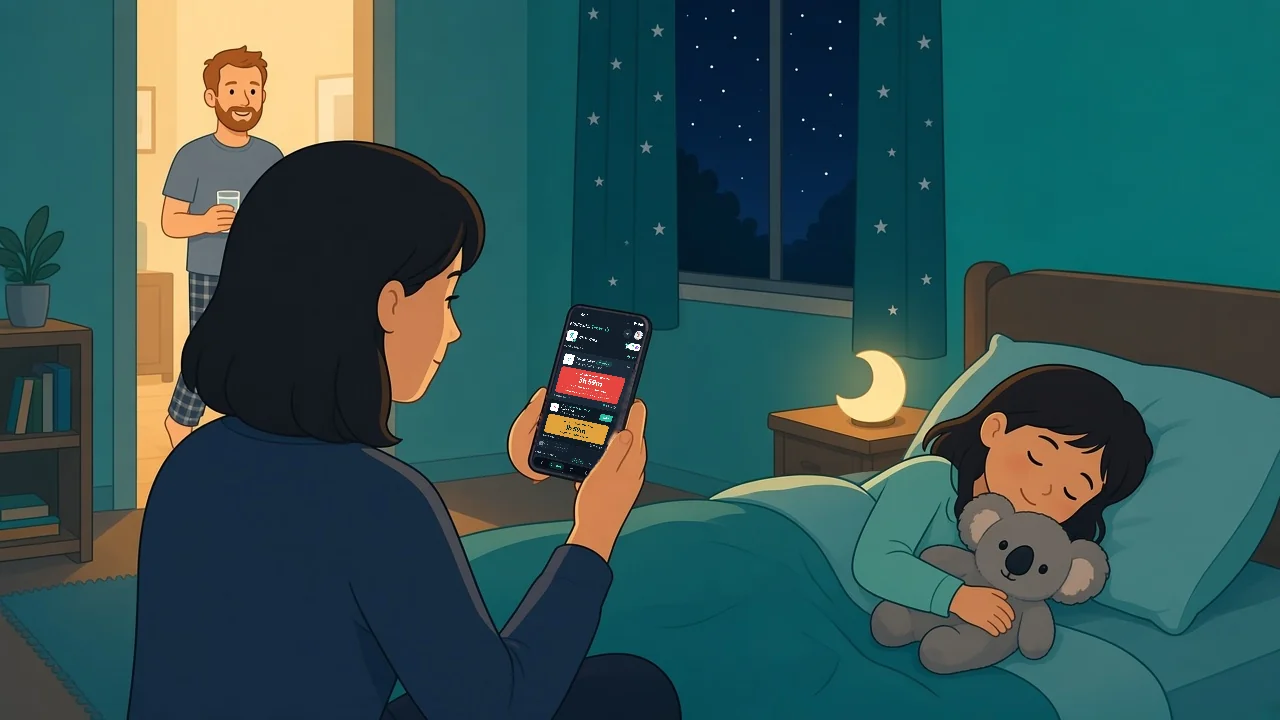
It is a little after 3 am and Ava is hot and restless again. Her dad gave her something before midnight. Her mum is fairly sure she gave her something around one, but neither of them can say which medicine it was. Their GP suggested switching between paracetamol and ibuprofen for this bug, and the bottles are on a high shelf in the laundry, two rooms away from the bed.
When a child is unwell, a doctor, nurse or pharmacist may suggest alternating paracetamol and ibuprofen. It sounds simple. In the middle of the night, with two medicines, two sets of label instructions and maybe two carers, it is very easy to lose track of what was given and when.
This guide is about keeping track, not about what to give or how much. Whether to alternate, the dose and the timing all come from the label, your pharmacist or your doctor. What your household can control is the record: one place that shows what was given, by whom and when, and what each medicine’s own rules allow next.
What alternating paracetamol and ibuprofen means for your record
Alternating means the two medicines are given at different times rather than together, on a plan your doctor, nurse or pharmacist has suggested. They are different medicines with their own label instructions, so for record keeping they are two separate tracks, each with its own timer.
Not every family is advised to alternate, so check with your doctor or pharmacist before you start. The NHS page on ibuprofen for children sets out its advice on giving the two medicines.
Before you start: write down the rules you were given
Ask your doctor or pharmacist whether alternating suits your child. Then, for each medicine, get these details from the label or from them:
- The dose, exactly as written on the label or given by your doctor or pharmacist.
- The minimum time between doses of that medicine.
- The most it can be given in 24 hours.
- Whether there is any reason your child should not have one of them.
Write these down, or put them straight into the app you will use to keep track, so nobody has to remember them at 3 am.
The three things to track for each medicine
For paracetamol and for ibuprofen, separately, you need to know:
- When the last dose was given, to the minute, and by whom.
- When the next dose is allowed, based on that medicine’s minimum interval from the label or your clinician.
- How many doses have been given in the last 24 hours, counted back from now rather than from midnight.
Alternating gets muddled when these blur together: someone remembers “a dose at about 2”, but not which medicine it was, or a night-time dose is missed when counting the 24-hour total.
Watch for paracetamol in other medicines
Paracetamol is in many products, including some cold and flu medicines. Healthdirect suggests learning to recognise paracetamol as the active ingredient, and checking with your pharmacist or doctor if you are unsure (Healthdirect: paracetamol). Read the active ingredients on every label. If a combination medicine contains paracetamol, ask your pharmacist how it fits with the plan before you give it, then log it so the whole household can see it.

How to keep track, on paper or in an app
Whatever you use, the habits are the same:
- One record for everyone. If two adults are giving medicine, both log it in the same place.
- Log it straight away: the time, the medicine, the amount and who gave it.
- Keep the two medicines separate. Each has its own next-dose time and its own 24-hour count.
- Log the temperature alongside the dose, so you can tell your doctor or pharmacist exactly how the night went.
A paper chart on the fridge works if everyone uses it. It gets harder when carers swap over, the chart is in another room, or you are checking from your phone at work.
Setting it up in Medication Timer
The as-needed medication timer was built for exactly this (Free + more with Family Care). You enter the rules you were given once, then the app does the counting:
- Add both medicines for your child, each with the minimum interval and the maximum doses per day from the label or your doctor or pharmacist.
- Log each dose as you give it, from the app, a widget, a notification, Apple Watch, or Siri and Google Assistant. Each medicine gets its own countdown to when the next dose is allowed, and the app blocks a dose that comes too early under the interval or daily maximum you set.
- Use Also stagger another medication if your doctor or pharmacist has given you a gap to keep between the two. Turn it on when you add the first dose, and Medication Timer logs that dose and creates a stagger follow-up for the second medicine at the gap you entered. The follow-up is a suggestion with a due time, not a dose logged in advance, and each medicine keeps its own interval and 24-hour limit (
Free). - Start Care for the illness (
Free). Tap Start care and choose your child. Doses, temperatures and symptoms then sit on one timeline for this episode, and Next up shows what needs attention now. - Share with your partner or another carer (
Family Care). Each carer signs in with their own account and sees the same timers, and shared timers show who logged the last dose and when, so nobody doubles up.
With Family Care, you can also save the pair as a quick timer once the stagger is set up, so it is ready for the next sick night. Starting a staggered quick timer still asks you to review before anything is logged (Family Care).
The timers count against the rules you enter from the label or your clinician. They do not decide what to give, so if anything about the plan changes, check with the doctor or pharmacist who suggested it and update the timers to match.

Common mix-ups to avoid
- Two people giving a dose because each thought it was their turn.
- Forgetting a night-time dose when counting the 24-hour total.
- Missing paracetamol hidden in a cold or flu medicine.
- Changing the plan without checking with the doctor or pharmacist who suggested it.
Our guide to household sick day logs covers keeping doses, temperatures and symptoms together in one record for the whole sick spell.
When to check in with your doctor
Follow the advice you were given about when to check back, and contact your GP or pharmacist if you are worried about how your child is doing. Get urgent help if your child seems very unwell. The NHS page on fever in children lists the signs that need urgent care.
When you do call, the Care timeline lets you say exactly what was given and when, without guessing. With Family Care, family reports turn a family member’s doses and readings for a date range into a clear summary you can bring along (Family Care).
Medication Timer is free to start on iPhone, Android and the web, and Family Care is available on the Family plan, with the price shown in-store for your region.
Questions? Browse the help centre or contact support from Profile in the app.