
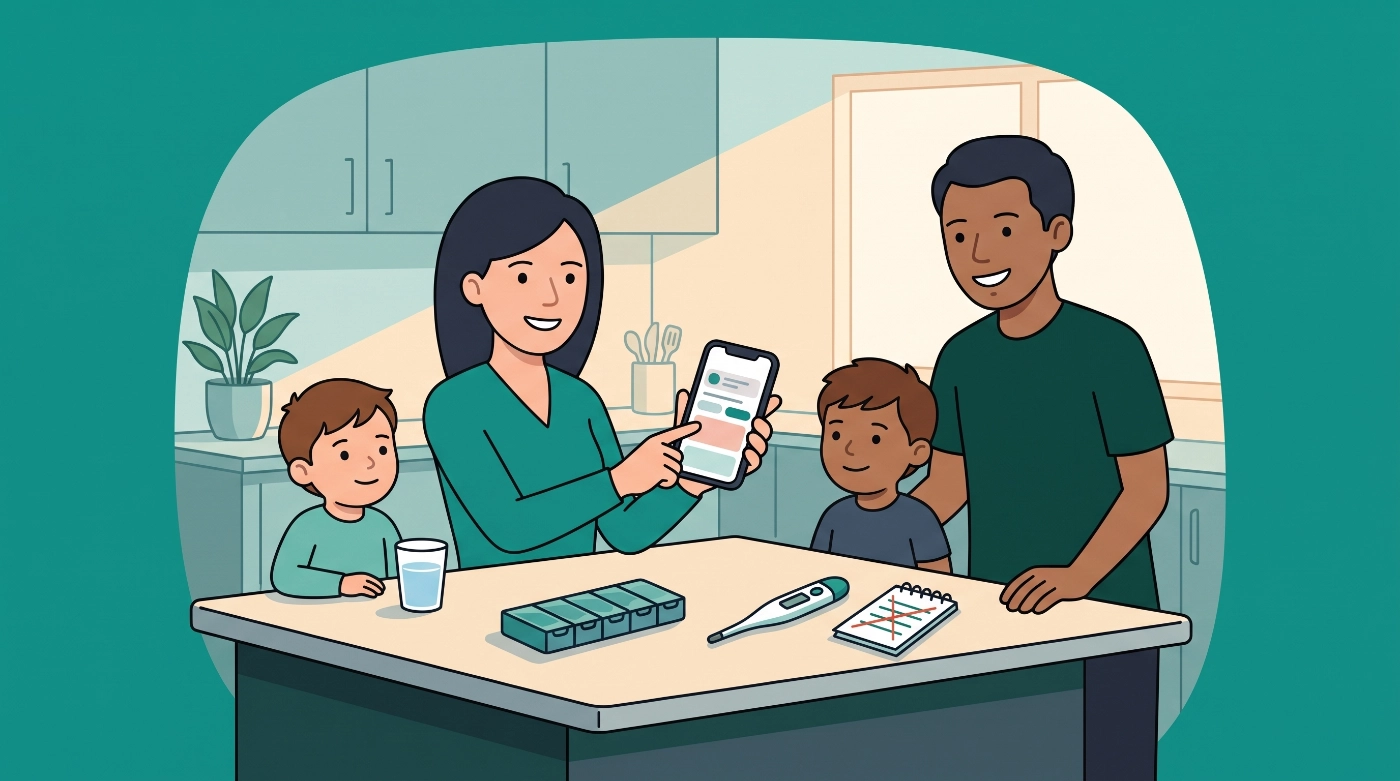
Keeping track of medicines is one of those household tasks that seems simple until several people are on different schedules. A medication timer app can help answer the question every caregiver knows well: who got what, and when?
In 2026, search results for “medication timer” often mix software with physical reminders and pill dispensers. Those are different jobs. A medication timer app runs on a phone, tablet, or computer. It logs doses, runs countdowns, and keeps a shared record. It does not store or release tablets.
If you want to log doses, set flexible timers, and share that information with other family members, an app-based medication timer is the category to focus on. Modern apps are built for real household routines: family member profiles, interval timers for as-needed medicine, illness sessions, and logs you can review together.
Medication Timer is available on iOS, Android, and the web app.
What is a medication timer app?
At its simplest, a medication timer app helps you remember when a dose is due and keep a record of what was logged. Some people need a reminder at the same time each day. Others need something more flexible, such as a timer that starts after a dose is taken and counts down until the next one is allowed under the interval you set from the label, clinician, or pharmacist.
That is different from a physical pill organiser or automatic dispenser. Hardware can store tablets and prompt someone to take them. Software reminds, tracks, and records. Many households use both: a weekly organiser or dispenser for storage, plus an app for who took what and when.
For a closer look at built-in phone tools versus family apps, see iPhone medication reminders in 2026.
Medication timer apps vs pill dispenser hardware
| Medication timer app | Pill dispenser hardware | |
|---|---|---|
| What it does | Reminds, tracks, and logs doses | Stores and releases tablets |
| Reminders | Notifications, widgets, and lock screen alerts | Alarms built into the device |
| Records | History and reports for clinician visits | Limited or no logging of doses |
| Best for | Households tracking multiple people | One person who needs a physical prompt |
Consider what gap you are trying to fill. If the problem is simply forgetting to take tablets, a dispenser or a simple physical reminder might be enough. If the problem is tracking doses for several family members, including as-needed medication, and showing a clinician what happened, an app is the better fit.
Key features to look for in a medication timer app
Not all medication timer apps are equal. The features below are the ones worth looking for in 2026.
Flexible and variable scheduling
A fixed daily reminder is useful, but many medication routines are not that simple. Some doses are taken as needed (PRN). A good app lets you set intervals and limits based on what the label, clinician, or pharmacist has advised, rather than forcing everything into a round-the-clock schedule.
As-needed (PRN) timers
PRN medication is common in households caring for someone with unpredictable symptoms. The timer starts when a dose is logged, then counts down against the interval you set until the next dose is allowed. That reduces late-night mental arithmetic when you are tired or juggling more than one person.
Care for illness sessions
Everyday routines are one job. A tough fever night or short infection is another. Look for a focused illness workspace (Care in Medication Timer) that keeps as-needed timers, temperatures, symptoms, and notes on one timeline for the person who is unwell. That is easier to review with a co-parent or clinician than piecing together texts and sticky notes.
Vitals and readings beside doses
Some people need to record more than just the dose. Temperature, blood pressure, glucose, and INR readings can all sit alongside medication logs. That creates a fuller picture for a clinician visit and means you are not juggling separate notes and charts.
Per-member profiles
If you manage medication for more than one person, a shared household setup that keeps each family member’s schedule separate is essential. You do not want one person’s records mixed with another’s. Profiles also make it easier to spot missed doses quickly.
Family Care and caregiver sync
Caregivers are often spread across different households. With Family Care, a partner, adult child, or support worker can see the same household information across iOS, Android, and web, without endless group chats or sticky notes on the fridge. Everyone still signs in with their own account.
History and reports for clinician visits
Handwritten notes get lost. A medication history you can review or share gives the clinician something concrete to look at during an appointment. This is particularly useful for households managing chronic conditions or regular medication changes. In Medication Timer, Family Care includes deeper history and family reports for those visits.
Glanceables
Widgets, lock screen displays, Live Activities where available, and watch companions mean the next dose is visible without opening the app. For busy mornings, that small detail helps. The less friction between a reminder and a logged dose, the more likely the routine will hold.
Who benefits most from a medication timer app?
A medication timer app is not just for people with complex conditions. It can help a wide range of households, including:
- Parents managing medication for children, including as-needed doses
- Adults caring for ageing parents, especially from a distance
- Households where different members take different medications
- People with chronic conditions who need to record vitals alongside doses
- Anyone who wants a clear record for a doctor or pharmacist
Medication Timer was built by Chris Winfield-Blum, an Adelaide dad, as an independent project. It is a software app, not a pharmacy, clinic, or hardware device. It does not dispense tablets or ship devices. Its job is organisation: keeping the household routine visible and reducing the chaos of sticky notes and group chats. The same household works across phones, tablets, and the web so everyone involved in care can stay on the same page.
How to choose the right option for your household
Start by writing down what is not working. Is the problem timing, tracking, or both?
If timing alone is the issue, a simple physical reminder or dispenser may be enough. Those tools stay popular because they are simple and do not need a phone.
If tracking is the issue, an app is the answer. Look for one that runs on the platforms you already use, lets you set interval-based timers for as-needed medication, keeps each family member’s medications separate, supports caregiver sync with Family Care, and produces a history you can take to an appointment.
Check the app store or the provider’s website for current costs before committing.
One more consideration: no app can replace clinical advice. A medication timer remembers what you tell it. Doses, strengths, and intervals should always come from the label, a clinician, or a pharmacist.
Frequently asked questions
Is there an app to keep track of my medications?
Yes. Medication timer apps are designed for exactly this purpose. They let you log doses, set reminders, and keep a history of what was given and when. Some apps also support multiple family members in the same household, which is helpful if you manage medication for children or aging parents.
How do I schedule medications?
Most medication timer apps let you set weekly reminders, daily reminders, or reminders throughout the day. Many also support customisable times and time zone handling when you travel. For as-needed medication (for example acetaminophen or ibuprofen during a fever), you can start a timer after a dose and set an interval based on the label, your clinician, or your pharmacist.
Is there an automatic pill dispenser for seniors?
Yes. Automatic pill dispensers are available, from weekly planners to larger multi-compartment devices with alarms and displays. A dispenser is physical hardware. A medication timer app is software for reminding, tracking, and logging. The two can be used together if someone needs both a physical prompt and a shared record.
What is the best medication reminder app?
The best app depends on your needs. Look for flexible scheduling, PRN timers for as-needed doses, Care-style illness tracking, family sharing, and a history you can show a clinician. Medication Timer, built in Adelaide by an independent developer, covers these features across iOS, Android, and web for the same household.







