
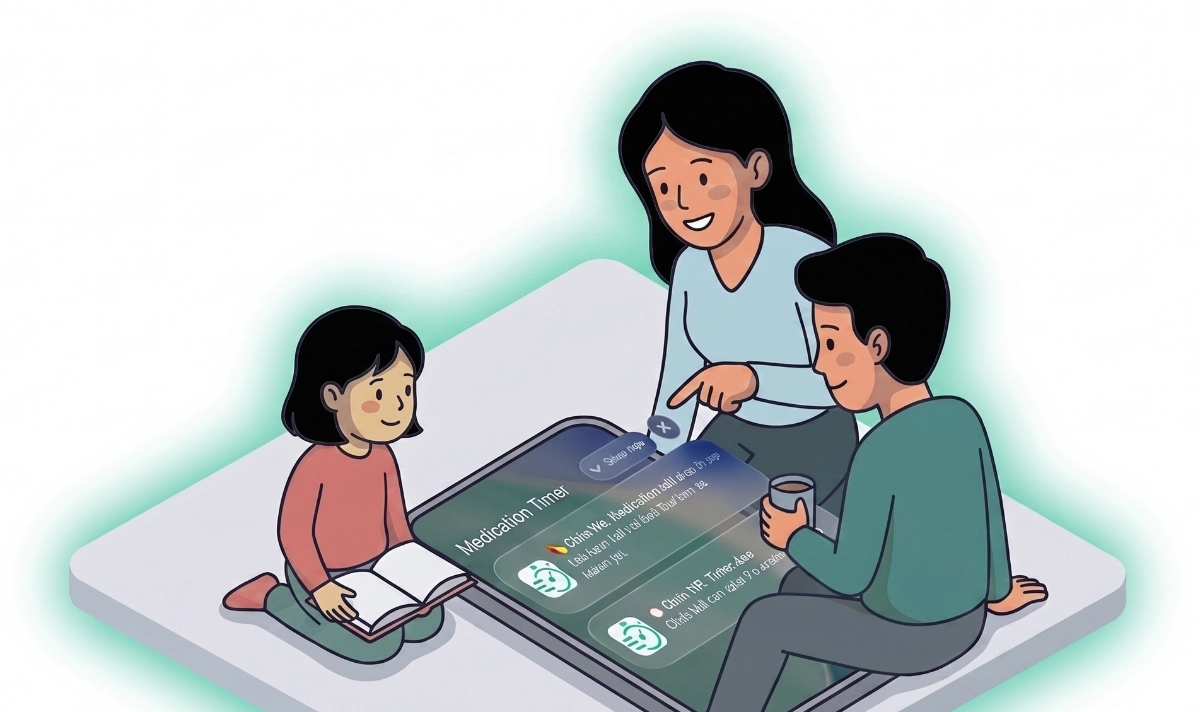
A notification you cannot act on is just noise. Medication Timer schedules local mobile alerts for the doses and readings you actually configured — with action buttons where the platform allows, so you log from the lock screen instead of losing the reminder to a swipe.
Notifications are a mobile feature: the website does not send the same push alerts. Use iOS or Android for reminders.
Routine dose reminders
When a scheduled dose is due, you receive a reminder tied to that member and medication. On mobile you may see:
- Taken — log the dose immediately
- Snooze — remind again in about ten minutes
- Open — jump into the app for details
Tapping Taken writes to your account when sync is available — the same paths as in-app logging.
As-needed timer alerts
PRN timers can notify when a dose becomes safe again after the waiting period. Action buttons align with timer state — including Re-administer / Log dose flows depending on notification type.
On Android, an ongoing notification keeps the countdown visible in your shade while a timer is waiting (similar in purpose to iOS Live Activities).
Health reading reminders
For enabled vitals — INR, blood pressure, glucose, and others — schedule reading reminders that open Today focused on the right member and day when they fire.
Care-aware reminders
During Care, course dose reminders (Family Care) and temperature check prompts respect the active session so alerts match the illness you are managing, not unrelated routines.
Permission and troubleshooting
Notifications require permission on your device. If reminders never appear:
- Check system settings for Medication Timer
- Confirm you are signed in and the app has synced recently
- On iOS, note platform limits on scheduled notification counts — the app prioritises imminent doses when near the cap
Apple Watch forwards matching iPhone notifications when the companion app is installed — see Apple Watch companion.
Availability
Free: Routine, timer, and reading reminders with actionable buttons on mobile, within OS scheduling limits.
Enable reminders
Set routine times under Family when editing a member’s medications. Enable reading reminders from Health readings. Allow notifications when the app prompts on first launch.







