
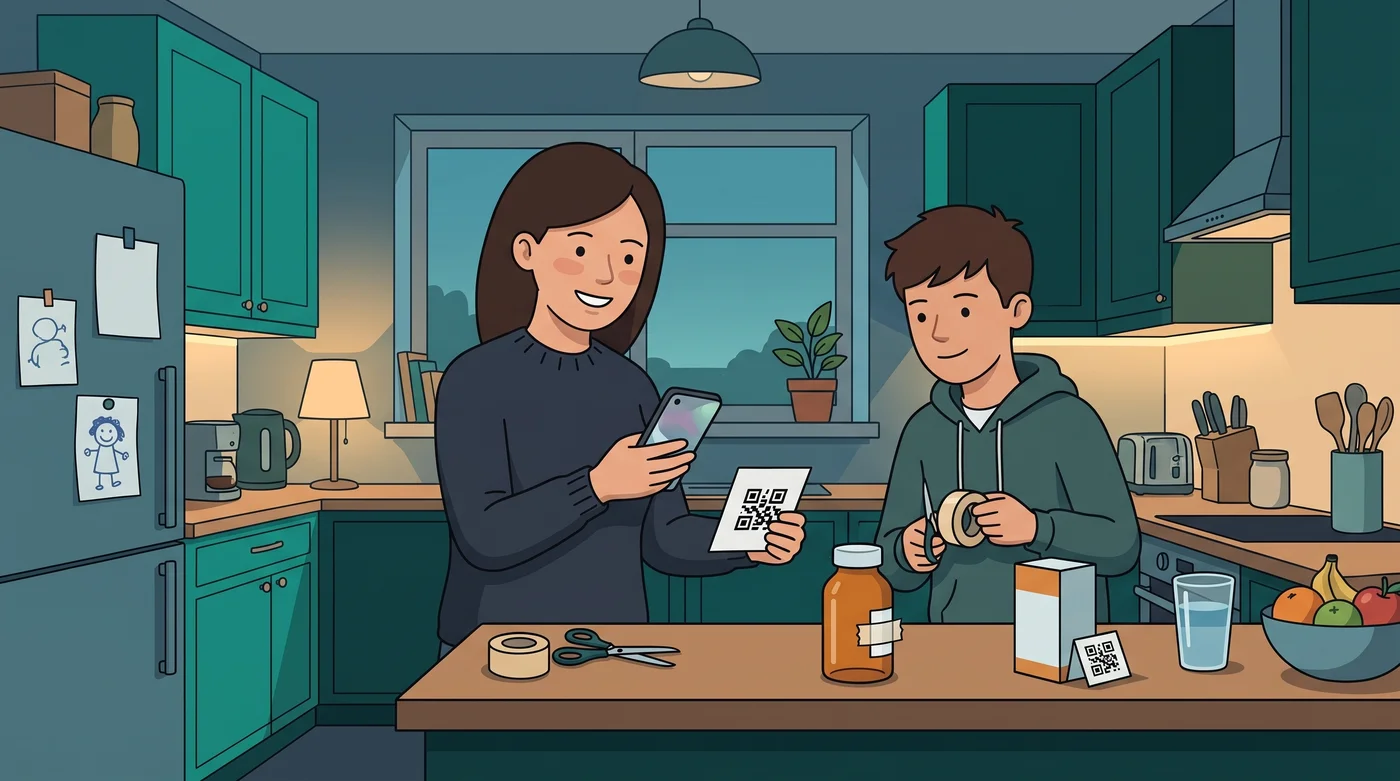
The coin is a good shortcut when you have one. Sometimes you do not. The drawer is empty, the blister is foil, or you would rather tape a card to the bottle than wait for a sticker to arrive. You still want the phone to open the right log, with the name you can read, and a confirm you mean.
2.8.1 is for that. Medi Tag QR codes on Family Care let you print a code for the pack. Scan it with the phone camera, confirm, and Medication Timer runs the same queue an NFC coin would. No extra hardware. The code does not prove the medicine was swallowed, and it does not invent a dose.
This article also covers 2.8.0. We have not published release notes since 2.7.2. If you remove someone from the family list, their dose routines and active timers go with them, and other phones try to clear leftover reminders. Sync notifications rebuilds reminders on this phone when a banner is stuck.
Available on iOS, Android, and the web app. Creating the QR image and programming a coin happen on iPhone or Android. The web app can save what a tag should do.
Medi Tags are Family Care. Price is shown in-store for your region. Anyone can open Profile → Medi Tags to read how a tap or scan works. Medication Timer does not sell NFC tags. A QR code does not need one.
What's in 2.8.1 (and 2.8.0)
- Print a Medi Tag QR (Family Care): save a tag, create a printable code with the name under it, and scan with the phone camera to confirm the same log
- Coin, QR, or both: one saved tag can be an NFC coin, a printed code, or both. Coins from 2.7.2 still work. The screen is now Medi Tags (it was Devices)
- Edit without a new print: changing the action queue updates the next scan. Print again when the name on the paper should change
- Removing someone (2.8.0): their dose routines and active as-needed timers are removed. Shared phones try to clear leftover reminders for that person
- Sync notifications (2.8.0): rebuild medication reminders on this phone only, from current family data
The QR is a shortcut to the same log you already use. Dose rules, wait windows, and Care timers do not change. Confirm is still required.
Print a Medi Tag QR code
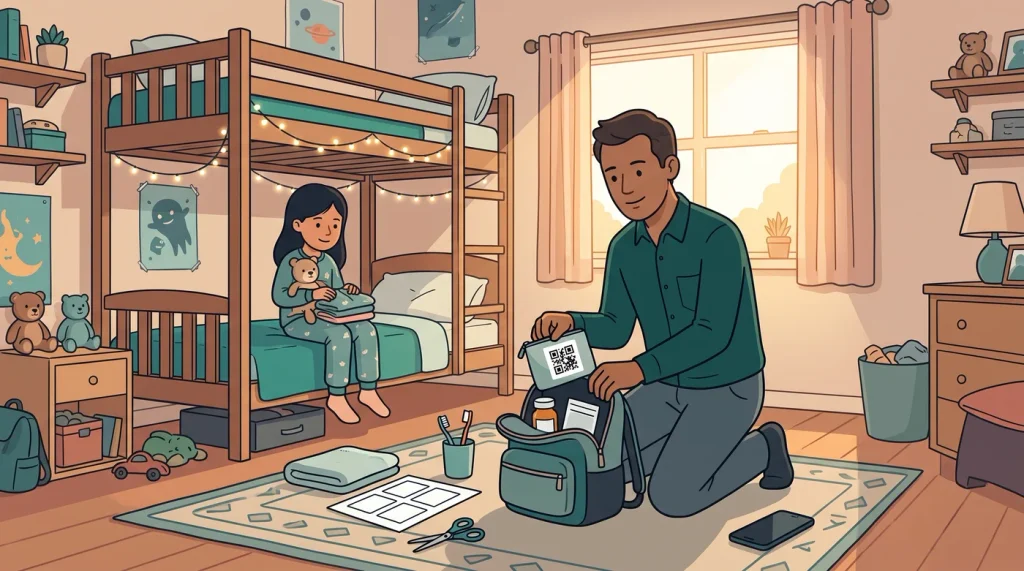
Use a QR code when you want a paper shortcut at the pack: a nightstand bottle, a kitchen box, a bag you take to someone else's house, or a foil blister where an NFC sticker will not read.
Open Profile → Medi Tags. With Family Care, tap Add tag (or open a tag you already saved):
- Queue one or more actions (up to eight).
- Optionally bind a family member, medication, routine, dosage, or saved quick timer. Each field can stay Ask when tapped. Mark all overdue routines as taken uses Everyone unless you pick a person.
- Keep or edit the name. That name prints under the code so you can tell packs apart.
- Tap Save and create QR code.
- Tap Save image. The share sheet lets you print, save to photos, or send the image.
The image is black modules on white, with the app icon in the middle of the code and the tag name below. You do not need an in-app scanner. Open the phone camera, point it at the printed code, and open the Medication Timer link. Confirm the screen. The queue runs in order.
A scan while you are not subscribed opens the Medi Tags explainer, not a bare subscribe screen. If the tag is not in your household, or the binding is missing, the app asks you to update it.
Confirm is always required. Duplicate confirm on the same tag within about 12 minutes does nothing after the first successful write.
You can also Save only, then create the image or program a coin later. On the web app, Profile → Medi Tags saves the binding. The printable image is created on the phone.
Editing the queue later does not require a new print. The code stores a short link. The old print still opens the current queue. Create a new image when you change the name on the paper.
What a scan can do
Same actions as an RFID coin:
- Mark medication as taken
- Add medication dose
- Trigger quick timer
- Mark all overdue routines as taken
- Show medication details (large type, then Log dose or Mark routine taken when a slot is due)
A common pair is Add medication dose plus Trigger quick timer, so one scan at the pack logs the as-needed medicine and starts the wait. Staggered quick timers still open review. They do not dual-write from a scan.
The tag does not skip, snooze, mute, end travel, mark running low, or give dosing advice.
A coin, a QR, or both
If you already programmed an NFC coin in 2.7.2, it still works. Open Profile → Medi Tags, tap the row, and you can Save and create QR code for that same tag, or Save and program coin again.
The list shows whether a tag has a coin, a QR, or both (Coin programmed, QR created).
Buy a coin when you want a tap with the phone held close to the pack. Use NTAG213 or NTAG215, and a ferrite-backed coin on foil. On Android, turn NFC on before you program a coin. A QR code does not use NFC. The camera is enough.
Print a QR when you do not have a tag, or when foil, a metal bottle, or a thick case makes NFC awkward. Tape the card to the box, or keep it in the same drawer.
Medication Timer does not sell coins. See the help centre for Medi Tag QR codes and What NFC tags should I buy for RFID coins?
When you remove someone (2.8.0)
A leftover 8:00 reminder after someone has left the household is worse than noise. It looks like a dose is still due.
From 2.8.0, deleting a family member removes them from the list and also removes their dose routines and active as-needed timers, including a stagger that is still waiting. Logged doses already saved stay in history. This cannot be undone.
On the phone, open Family, swipe the person, and tap Delete. The confirm reads: their dose routines and active as-needed timers are removed, and shared caregivers stop getting reminders for them.
This phone clears those reminders straight away. Other caregivers get a best-effort silent wake so their phones can cancel them too. iOS may delay or skip some silent wakes. If a banner is still showing, open the app once and it will sync. The website does not schedule these local alerts.

Sync notifications on this phone (2.8.0)
If a reminder is stuck after you logged a dose, skipped a slot, or removed someone, you can rebuild this phone without touching anyone else's.
Open Profile → Settings → Notifications and tap Sync next to Sync notifications. Confirm first. The app clears managed medication reminders on this phone and rebuilds them from your current family data. Other caregivers are not changed.
If family data is still loading, wait a moment and try again.
A shared take still clears only the matching slot (and its urgent follow-up) on other phones. It should not wipe unrelated banners. If the phone was asleep, that clear is best-effort until the app is open.
Also in 2.8.0 and 2.8.1
- Profile → Devices is now Profile → Medi Tags on the phone and the web app
- Background reminder cleanup clears the matching alert first, and only rebuilds the rest when family data is already loaded
- Newer iPhone and Android build: the apps now run on a current Expo release, with the latest versions Apple and Google require for store updates. Logging, reminders, sharing, and Family Care work the same way. This does not change the app for you. It keeps Medication Timer compliant with current App Store and Google Play rules, so we can keep shipping updates on recent phones.
Did you miss what changed in 2.7.2?
2.7.2 was the last set of notes we published. If you skipped that update, you already have:
- Family Care RFID coins: tap an NFC tag for large-type medication details, then confirm a log
- Shared reminders that can clear when another caregiver logs that slot
- Polish on the experimental travel overlay from 2.7.1
More detail: Medication Timer 2.7.2: When pack labels are hard to see.
Questions? Browse the help centre or contact support from Profile in the app.






