
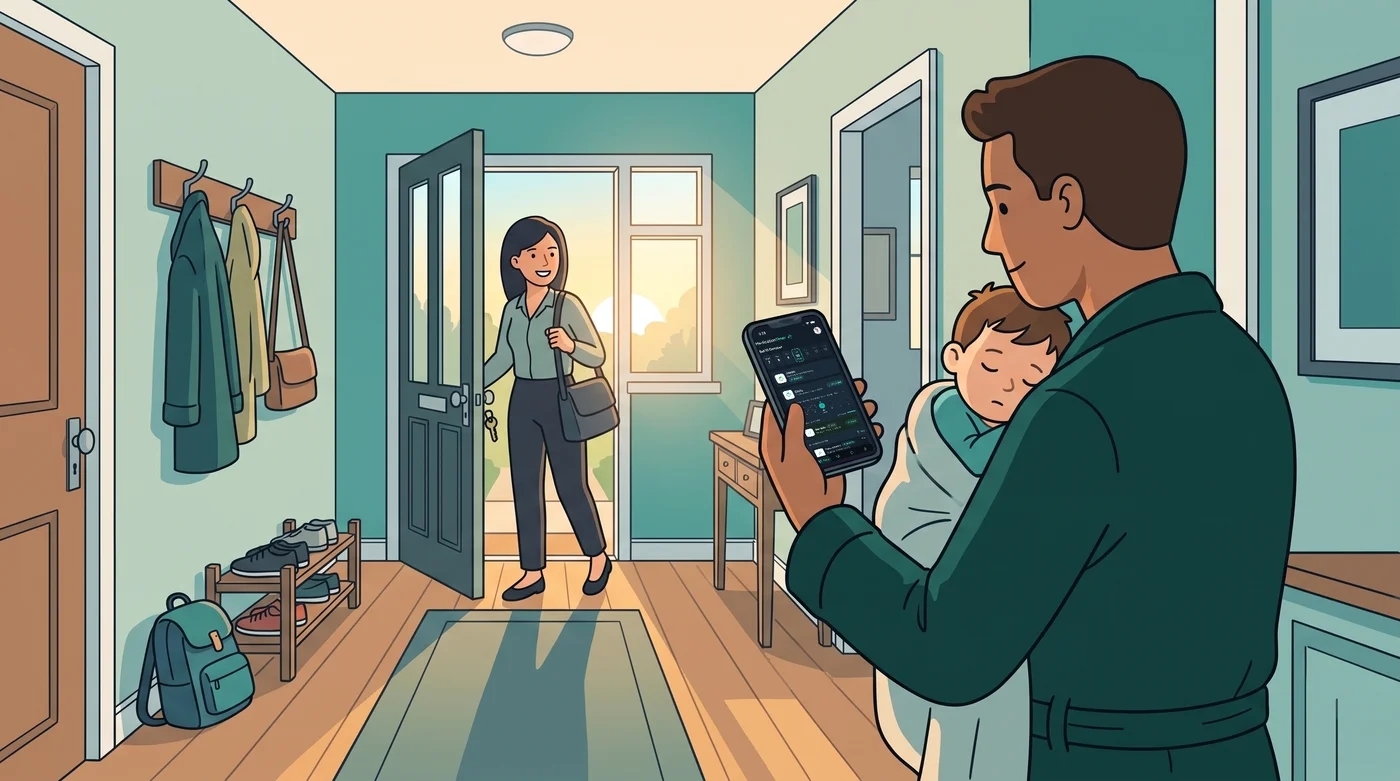
Somewhere tonight, a parent will kneel beside a warm little forehead, read the thermometer by the glow of a nightlight and tap the number into their phone before creeping back to bed. In the morning, the other parent will open the app and see it there, with the time beside it. Neither of them will think of it as a milestone.
Moments like that one, repeated in homes everywhere, have now added up to 50,000 health readings logged in Medication Timer. We wanted to stop for a moment and say thank you.
What 50,000 readings look like
A number that size can feel abstract, so we like to picture the ordinary moments behind it. Most of them are quiet:
- A child's temperature at 1 am, and again at 4 am, logged by whichever parent was awake.
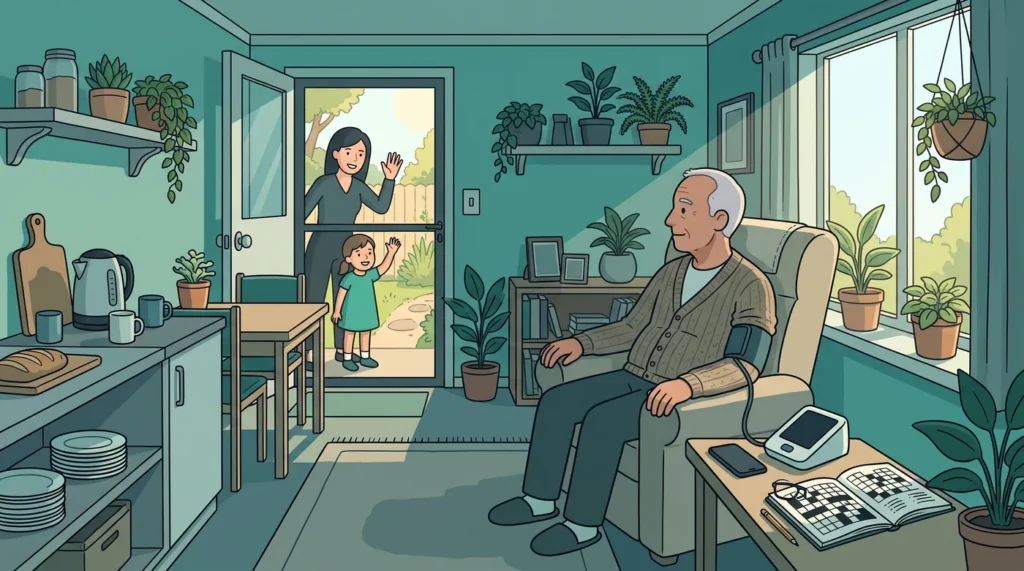
- A blood pressure reading before breakfast, part of a morning routine that has become as ordinary as putting the kettle on.
- An INR result added after a clinic visit, so it sits with the rest of that person's record.
- A grandparent adding a reading from their own phone while minding the kids for the afternoon.
- A carer checking the record at the start of a shift instead of piecing the day together from messages.
Every one of those counts towards the 50,000. None of them is dramatic. Each one is a small act of care by someone who was often tired, sometimes worried, and still took a moment to write it down for the next person.
Small entries, shared load
The hard part of looking after someone is rarely knowing that a reading matters. It is remembering it, passing it on and trusting that everyone else is looking at the same thing. A reading that lives in one person's head, or on the back of a receipt, is easy to lose by morning.
That is why shared households sit at the heart of the app. When you share your household on Family Care, each carer signs in with their own login, so partners, grandparents and helpers add to one record instead of keeping their own. Everyone can see who logged the last dose and when, so the parent finishing a night shift does not have to brief the one starting the morning, and nobody needs to send a "did you already give it?" text at midnight.
How the readings stay organised
Behind those 50,000 entries is a simple idea: each person in the household has their own record, and every reading belongs to the right person.
Temperature, blood pressure, INR and other readings sit alongside medication in each person's history (Free + more with Family Care). A reading is time-stamped when you log it, and you can adjust the time if you are entering it a little after you took it, which happens a lot at 3 am.
When someone is unwell, a Care session gives that stretch of illness its own timeline (Free). Two siblings who are sick in the same week each get their own run of temperatures, symptoms and as-needed doses, and older readings from ordinary days do not mix in. When they are well again, you can close the session and the household goes back to normal.
None of this is about turning family life into a clinical chart. It is about the app remembering what you enter, so you do not have to.
Thank you
To every parent, partner, grandparent and carer who has logged a reading: thank you. You have trusted us with something personal, often at the times you were most stretched, and we do not take that lightly.
Thank you as well to everyone who has sent feedback, reported a bug, left a review or quietly told a friend about Medication Timer. We are a small, independent app made in Adelaide, and so many of our improvements began as a message from one of you.
What comes next
We would rather keep our promises small. We will keep the app calm and clear for the moments when you are tired, keep each person in the household easy to follow, and keep working on the things families tell us matter most.
One thing we can share: photo attachments are not in Medication Timer yet, but they are on the way.
If you are new here and would like to try it for your household, Medication Timer is free to get started on iPhone, Android and the web. And if you are one of the families behind these 50,000 readings, we hope the app has made a few long nights a little lighter.
Questions? Browse the help centre or contact support from Profile in the app.






