
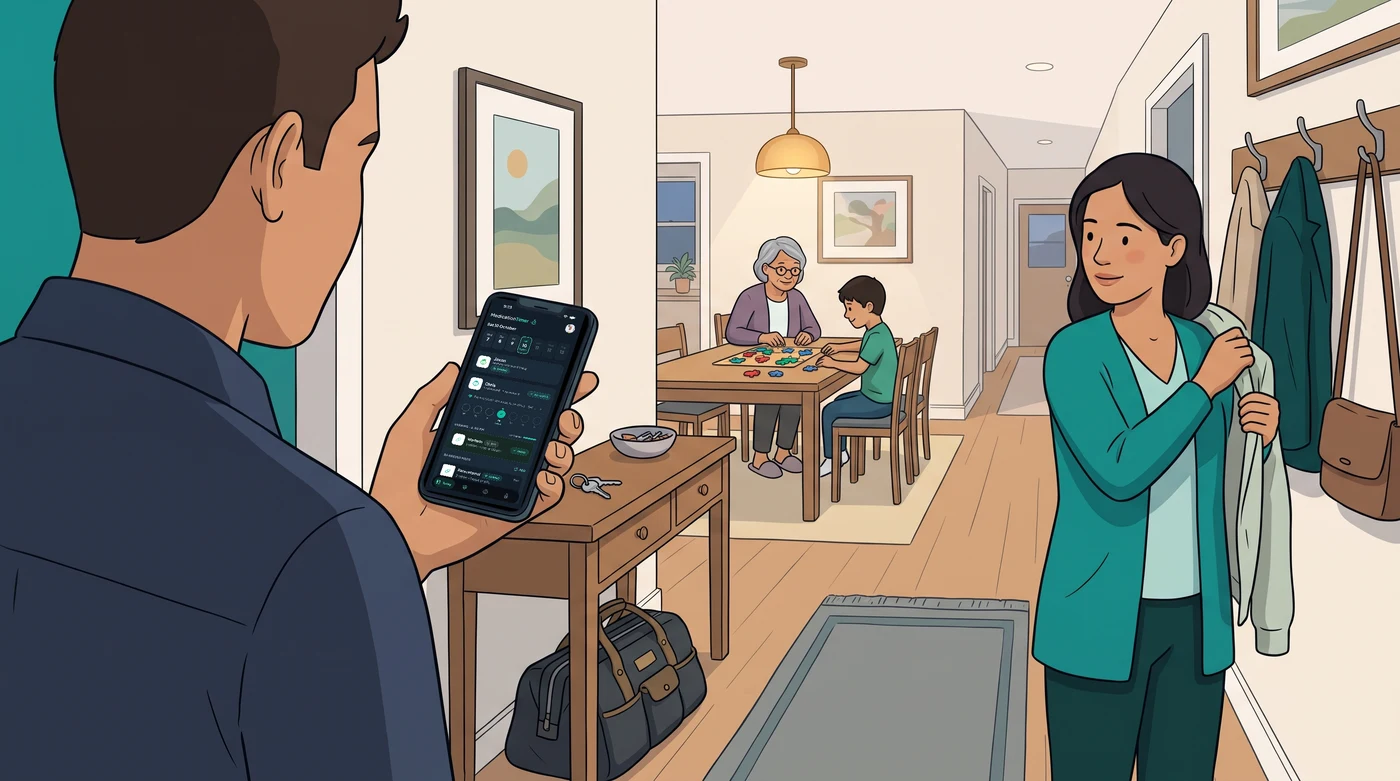
The message that says, “Did anyone give it yet?” can turn an ordinary evening into a stressful guessing game. This household caregiver coordination guide helps families replace scattered texts, paper notes, and memory-based handovers with a clear shared system. The goal is not to make home care feel clinical. It is to give every caregiver the same reliable picture of what has happened, what is next, and who is looking after the next step.
Why household care breaks down
Most coordination problems are not caused by a lack of care. They happen because care is shared across busy people with different schedules. One parent handles the morning routine, another takes over after work, a grandparent helps during the day, and a babysitter may step in for an evening. Each person may be doing their part carefully, but the information can still be incomplete.
A notebook on the kitchen bench is no help when someone is away from home. A text thread can bury a key update beneath everyday conversation. Verbal handovers are easy to forget when a child is upset, a relative is tired, or everyone is trying to get out the door.
The practical risk is uncertainty. When caregivers cannot quickly see the latest activity, families may duplicate a task, miss a routine, or spend unnecessary time trying to reconstruct the day. A household coordination system reduces that mental load by creating one trusted place for shared information.
Start your household caregiver coordination guide with ownership
A shared system works best when it answers one basic question: who owns each part of the routine right now? Ownership does not mean one person carries all the responsibility. It means everyone knows who is expected to check, record, or communicate at a particular time.
Start by identifying the people who regularly provide care, including parents, adult children, partners, grandparents, and trusted backup caregivers. Then agree on which household members need their own profiles or records. Keeping each person’s information separate is especially useful in homes where several people have recurring routines or an illness is affecting more than one family member.
In Medication Timer, you can set up separate family member profiles on the Free plan, and use household sharing on Family Care so each helper signs in with their own account. You choose which family members and which medications to share with each caregiver, so everyone helping sees the same live checklist and who logged the last dose without exposing unrelated household routines.
Create a handover rule everyone can follow
The strongest handover rule is simple: record the activity when it happens, not later when someone remembers. A quick real-time entry is more dependable than a detailed reconstruction at the end of a long day.
For any shared household routine, agree that the record should show four things:
- what was completed
- when it was completed
- who recorded it
- what is due next
That structure gives the next caregiver context without requiring a long explanation. If something is unclear, the record should prompt a quick check-in rather than invite assumptions.
Build one view of routines, timing, and observations
Families often use separate tools for separate tasks: a calendar for appointments, a paper pad for readings, phone alarms for reminders, and messages for caregiver updates. The problem is not that any one tool is bad. The problem is that no one has a complete view when it matters.
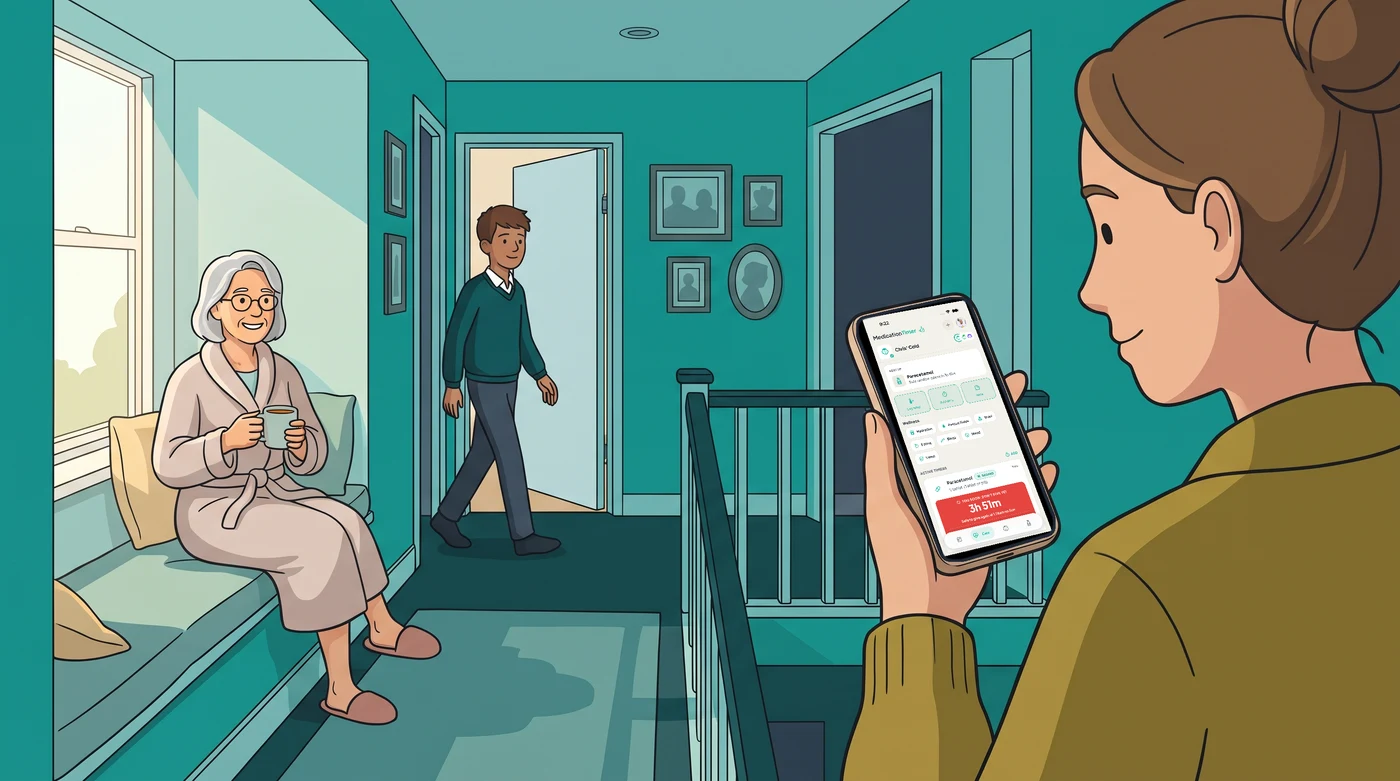
A coordinated household record should bring related information together. Recurring routines need their own schedules on Today. As-needed activity should be logged with a time stamp and an interval countdown set by the household from the label, pharmacist, or clinician instructions for that person. Health readings, such as temperatures, blood pressure, or blood glucose, belong alongside the relevant Care session or family member profile (Free, with household sharing on Family Care), rather than sitting in a chat message that is hard to find later.
This approach is particularly helpful when illness strikes. Caregivers can see the sequence of events without relying on memory: what was logged earlier, which readings were recorded, and whether another caregiver has already given the latest dose. The record becomes a calm reference point during a period that may otherwise feel rushed.
Keep entries consistent and time-stamped
A shared log works best when logging takes seconds. Recording a taken or skipped dose or entering a temperature reading at 4:15 pm as it happens is clearer and far more reliable than trying to write out a message in the middle of a busy evening.
Keep the shared record focused on factual, time-stamped entries rather than interpretations. The purpose is coordination: preserving an accurate timeline, making handovers easier, and ensuring that the latest history is ready for everyone helping at home.
Decide how your family will handle exceptions
The routine days are rarely the problem. Coordination gets tested when plans change: someone is travelling, a child stays home from school, a caregiver is delayed, or two adults assume the other person is handling the same task.
Set expectations before those moments happen. If the primary caregiver is unavailable, who becomes the backup? If a scheduled dose is skipped or delayed, make sure it is marked straight away in the shared log so the next person knows. If a caregiver sees an entry that does not match what they expected, agree to call or message the person who logged it before giving anything else.
There is no single right answer. A household with two caregivers at home may rely on shared reminders and the live log, while a family coordinating across several homes may pair the shared log with a quick handover call. The right system is the one that matches your family’s real schedule, not an idealised version of it.
It also helps to separate urgent communication from routine logging. A shared record is ideal for visibility and continuity, while time-sensitive concerns should always go through a direct phone call or message so nobody assumes an urgent update was seen immediately.

Protect privacy without creating blind spots
Family care coordination requires trust. The people who need information should be able to see it quickly, and people who do not need it should not have access just because they are part of a broad group chat.
Choose a household tool that allows appropriate sharing by family member and medication (Family Care). Privacy matters most when households are blended, when adult relatives are involved, or when outside help is occasional. Because each invited helper signs in with their own account and you can revoke access whenever a visit or care period ends, you share only what supports coordinated care right now.
A privacy-forward system also reduces the temptation to send sensitive details through casual channels. When health information is stored in one purpose-built place instead of scattered across texts, screenshots, and handwritten papers, the household has far clearer control over who can access it and for how long.
Review the system before it becomes confusing
Even a well-organised plan needs a reset from time to time. A five-minute household check-in can uncover small issues before they create bigger confusion. Ask whether everyone can find the current routine, whether any reminders need adjusting, and whether the right people still have shared access.
Review the setup after a schedule change, a new caregiver arrangement, or a demanding illness period. In Medication Timer, you can archive a finished Care session (Free and Family Care) once everyone is well again, clearing the active screen while keeping the time-stamped history stored safely in that person’s profile. Clarity helps everyone stay confident: when the active view only shows current routines, the next important detail is easy to spot.
Tools designed for family health management, including Medication Timer, make this process simpler by keeping multiple family members, recurring routines, interval timers, health readings, and caregiver sharing in one calm place. The value is not more information. It is better-organised information that a household can rely on when life gets busy.
Make coordination part of the routine
The best household care system does not depend on one highly organised person remembering everything. It gives each caregiver a small, repeatable role: check the shared record, complete the task, log it straight away, and leave the next person a clear handover.
That habit builds confidence over time. Instead of searching messages or second-guessing whether something was done, caregivers can focus on the person in front of them. Every dose, every reading, every routine, and every family member deserves the peace of mind that comes from one trusted place.
Questions? Browse the help centre or contact support from Profile in the app.







